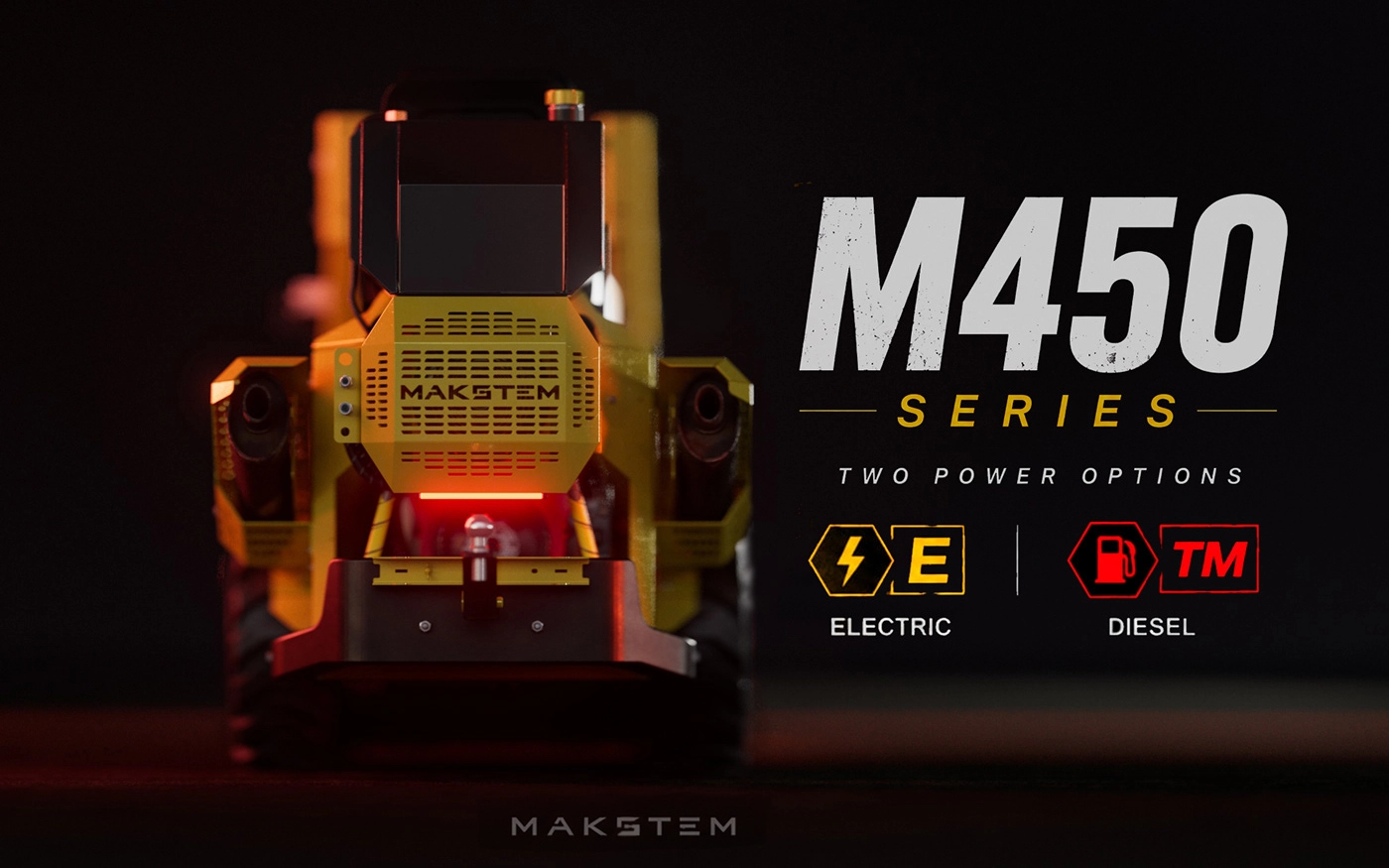
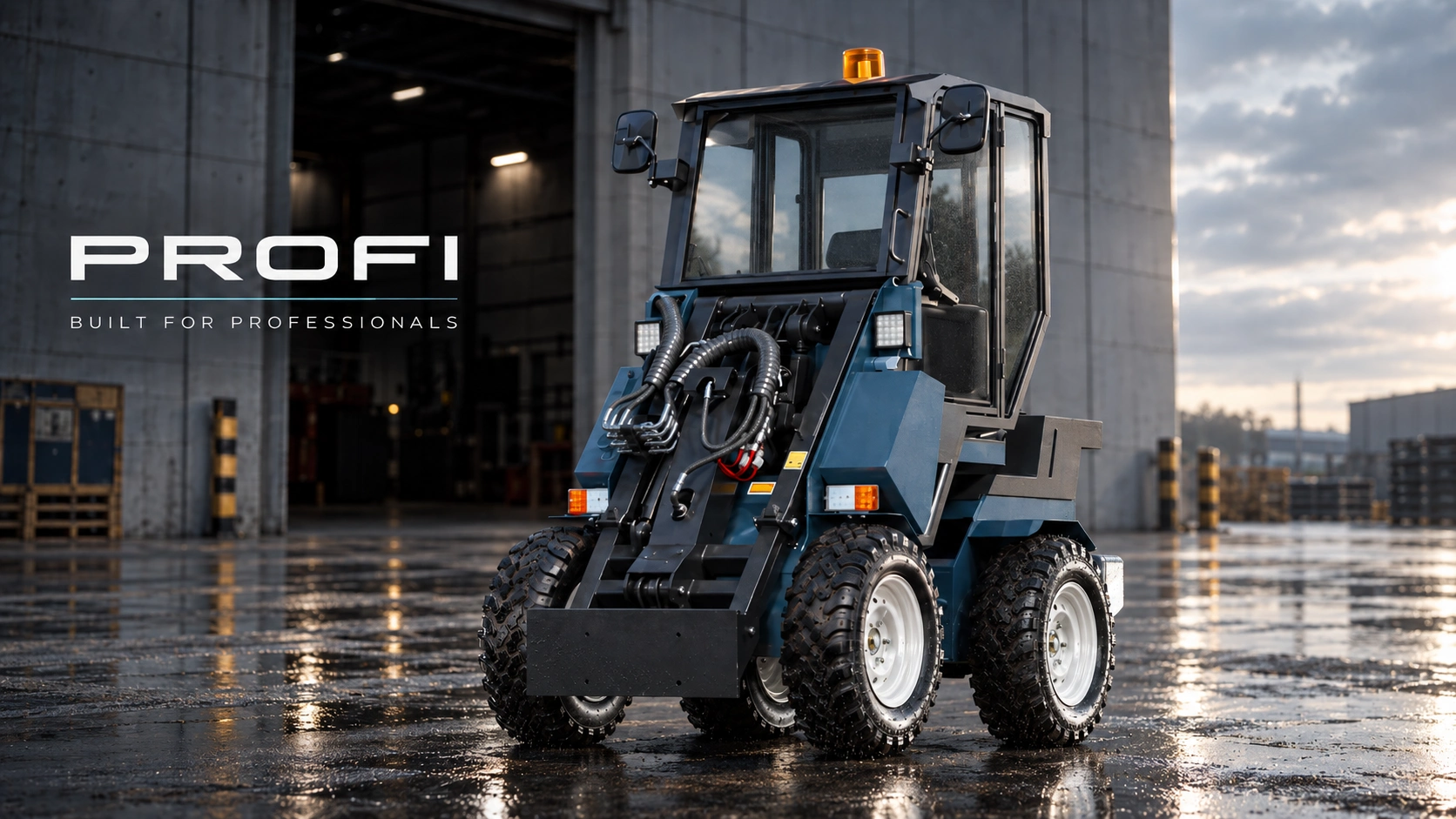
Content becomes obsolete with every product change
A new model, component, color or construction update makes recently prepared images, catalogs and presentations inaccurate.

Equipment 3D visualization / sales and presentations
We build an accurate product 3D model from CAD, drawings and engineering references. It reveals the appearance, internal construction and operating principles—and becomes the foundation for renders, animation, catalogs, 360° viewers and configurators.
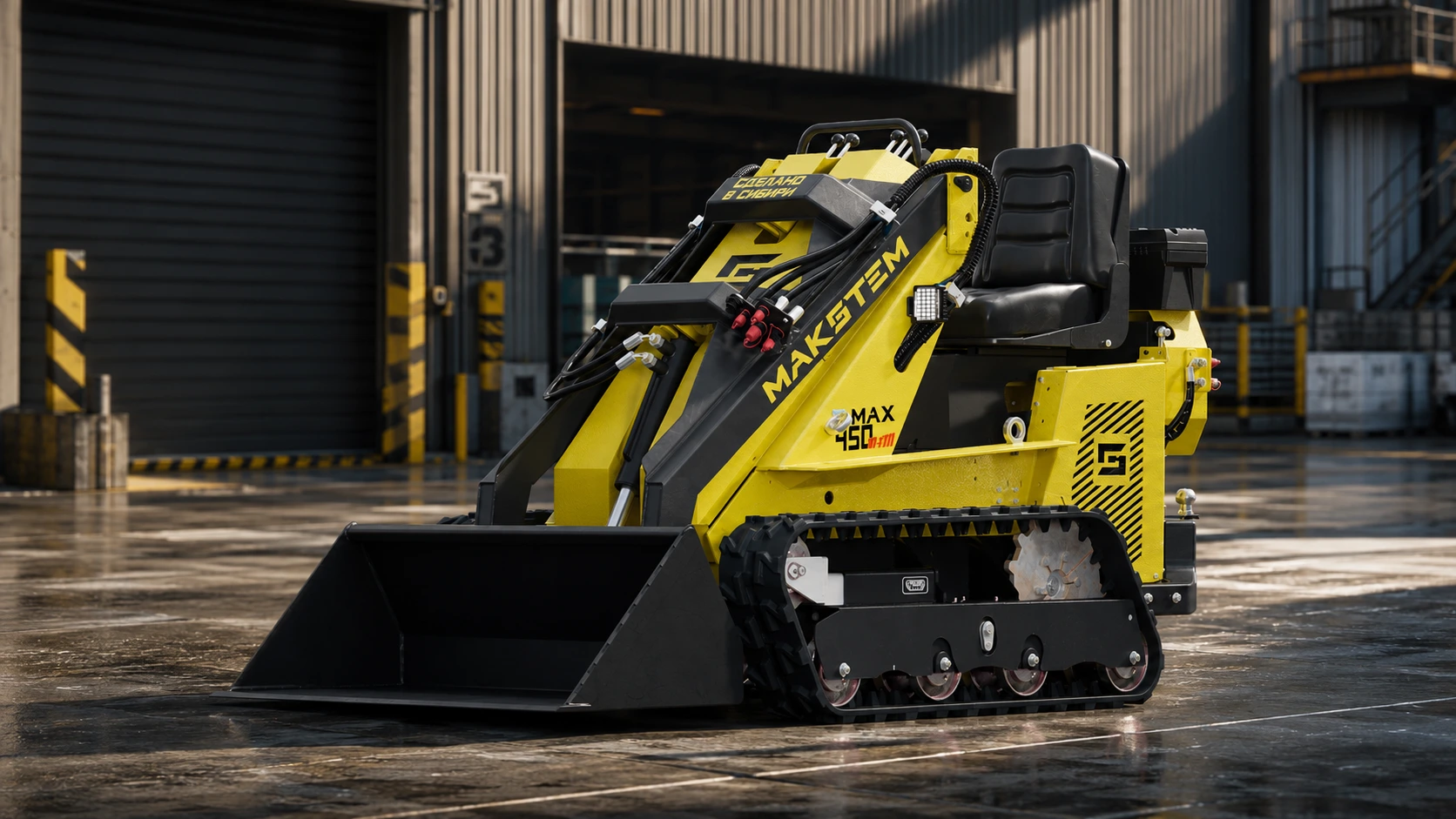
The more complex the product range, the harder it is to keep every sales and marketing material current, consistent and easy to understand.
A new model, component, color or construction update makes recently prepared images, catalogs and presentations inaccurate.
Photos, drawings, PDFs, specifications and option lists live in different files, so customers and managers struggle to see the complete product.
Different shoots produce different angles, lighting and environments. The website and catalog stop looking like one coherent product line.
Sales teams send dozens of images and documents, explain configurations by phone and ask the buyer to assemble the final result in their imagination.
An accurate 3D product foundation becomes the source for every visual, presentation format and interactive sales tool.
A component or configuration is corrected in the source model once, and the company receives a new set of current visuals without rebuilding everything.
Angles, lighting, materials and environments remain consistent across the website, catalogs, presentations, marketplaces and exhibitions.
Renders, cutaways, animation and 360° views show appearance, internal construction and operation better than long explanations.
The buyer assembles the product visually, sees compatible options and sends the selected configuration directly to the sales team or CRM.
We build the complete system: from an accurate 3D model and product visuals to animation, 360° presentation and an interactive configurator.
Before visualization, we study the construction, purpose of assemblies, hydraulic routing, movement sequence and interaction of mechanisms. This makes every cutaway, animation and technical view accurate and easy for the customer to understand.
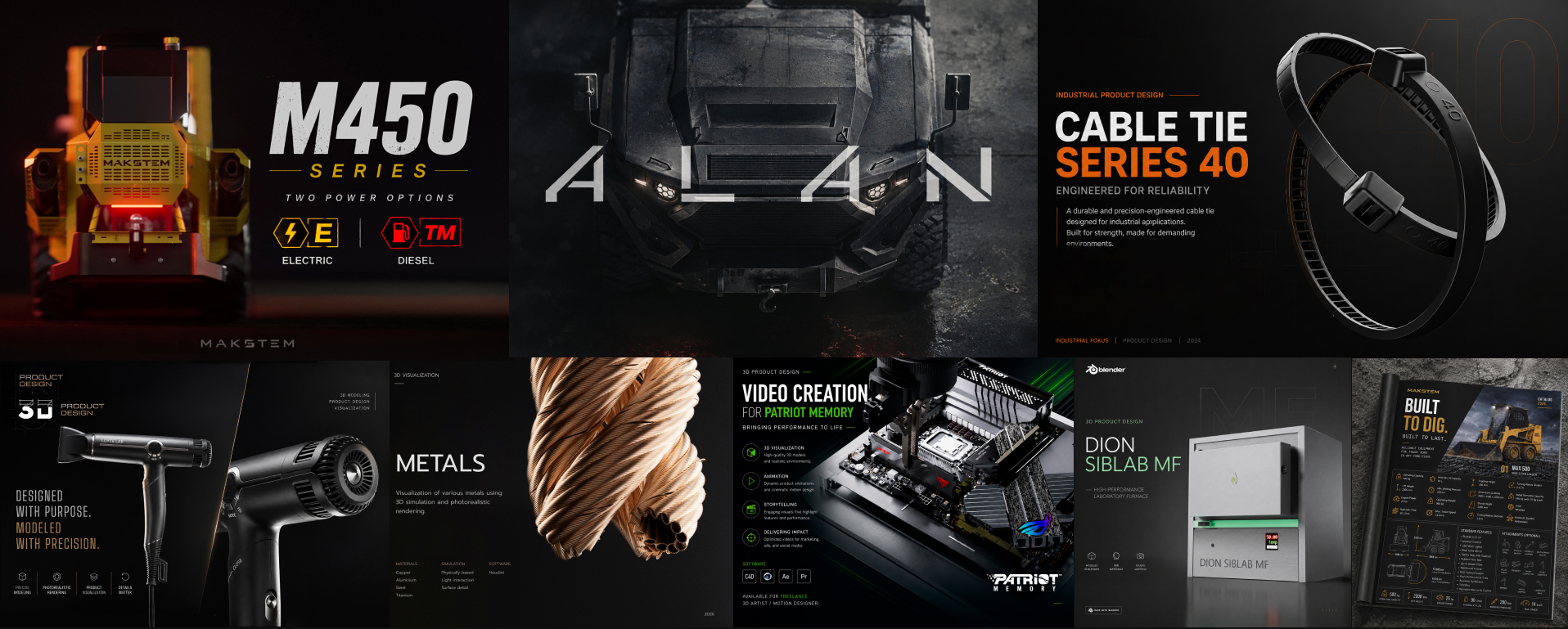
Photorealistic 3D visualization lets you present a future product before the first physical unit exists. We reproduce materials, colors and construction details, prepare persuasive angles for presentations and pre-sales, and help test market demand before investing in production and a full photo shoot. Customers see what the equipment will look like, while you receive feedback before launch.
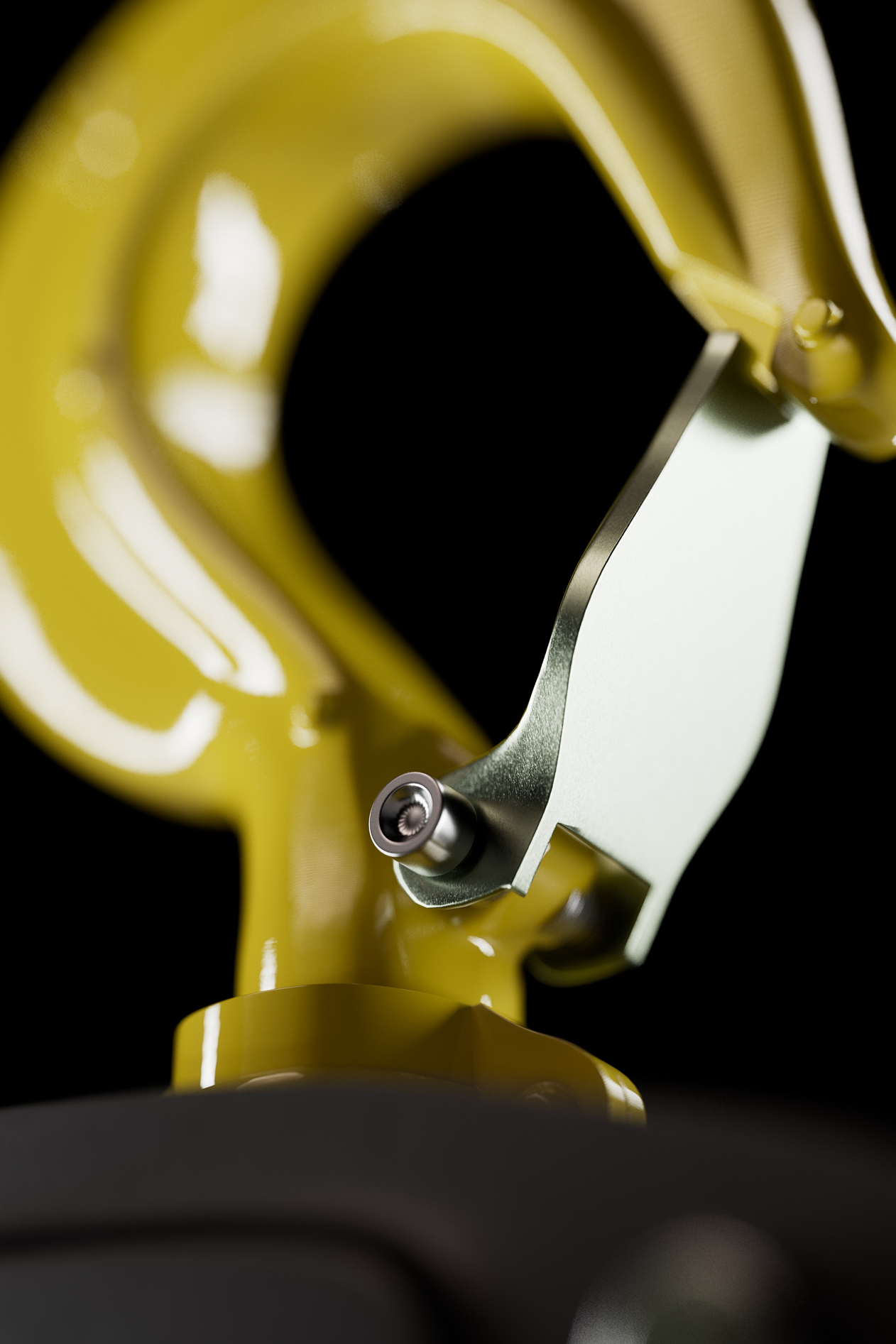
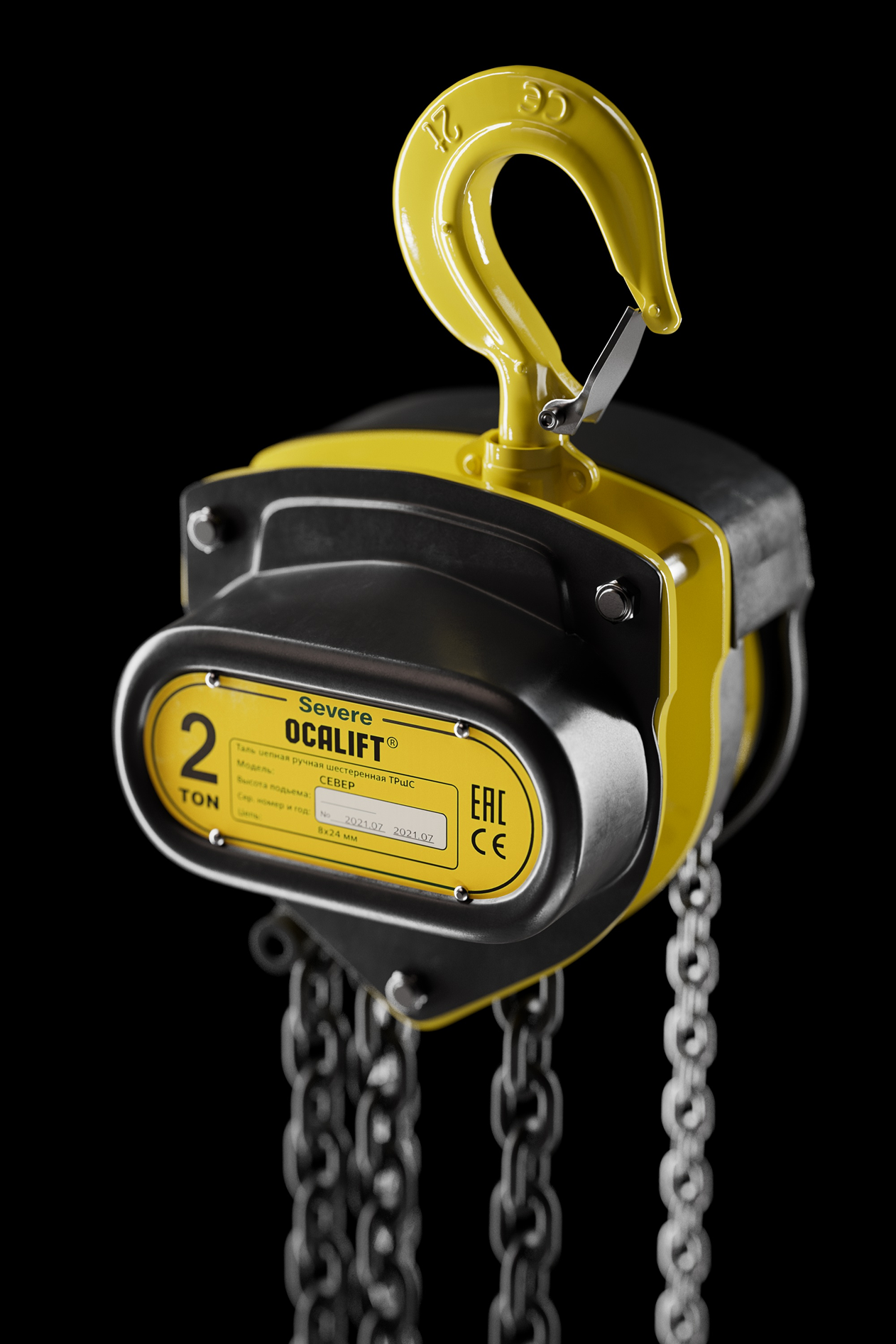
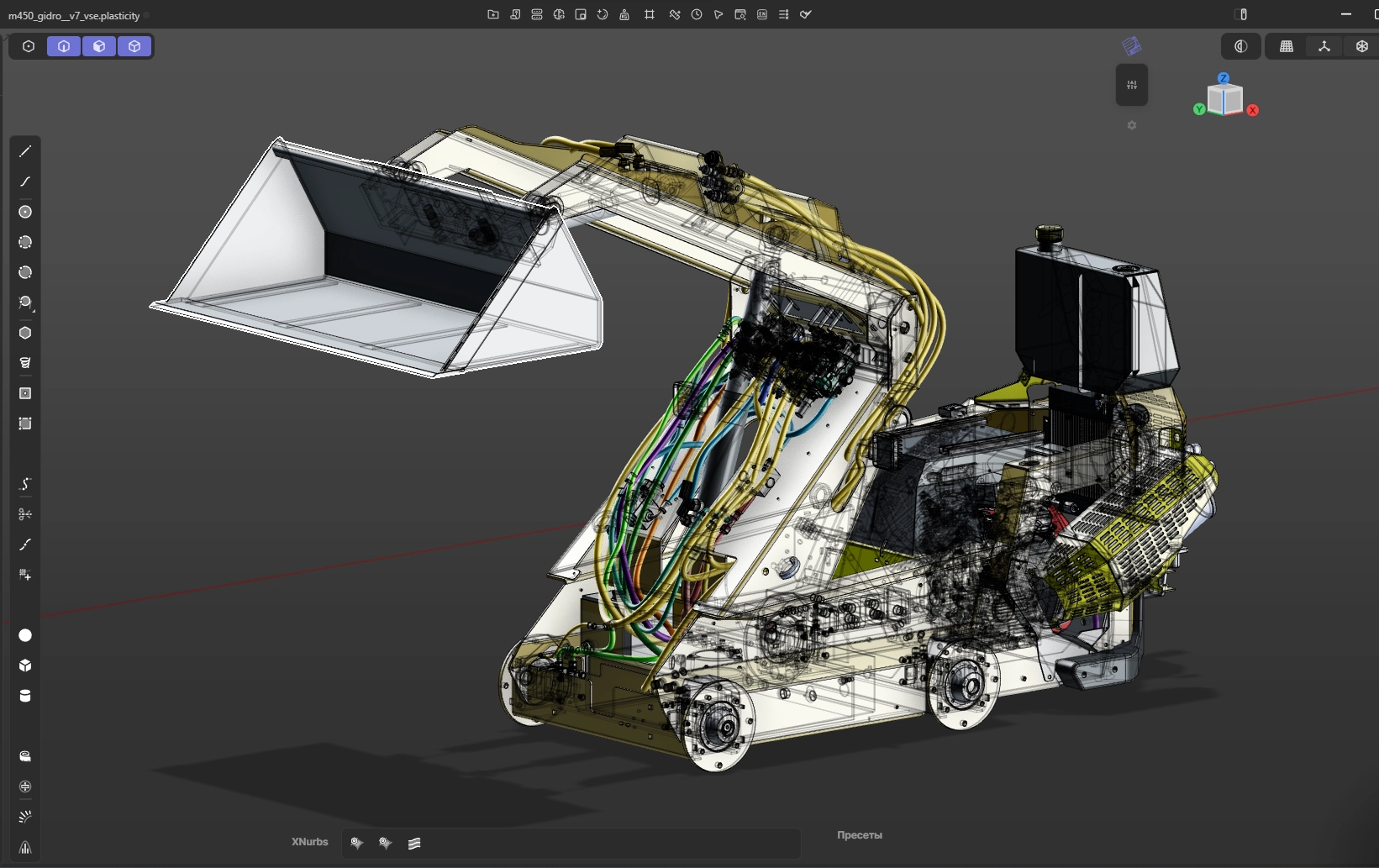
Hydraulic system visualization
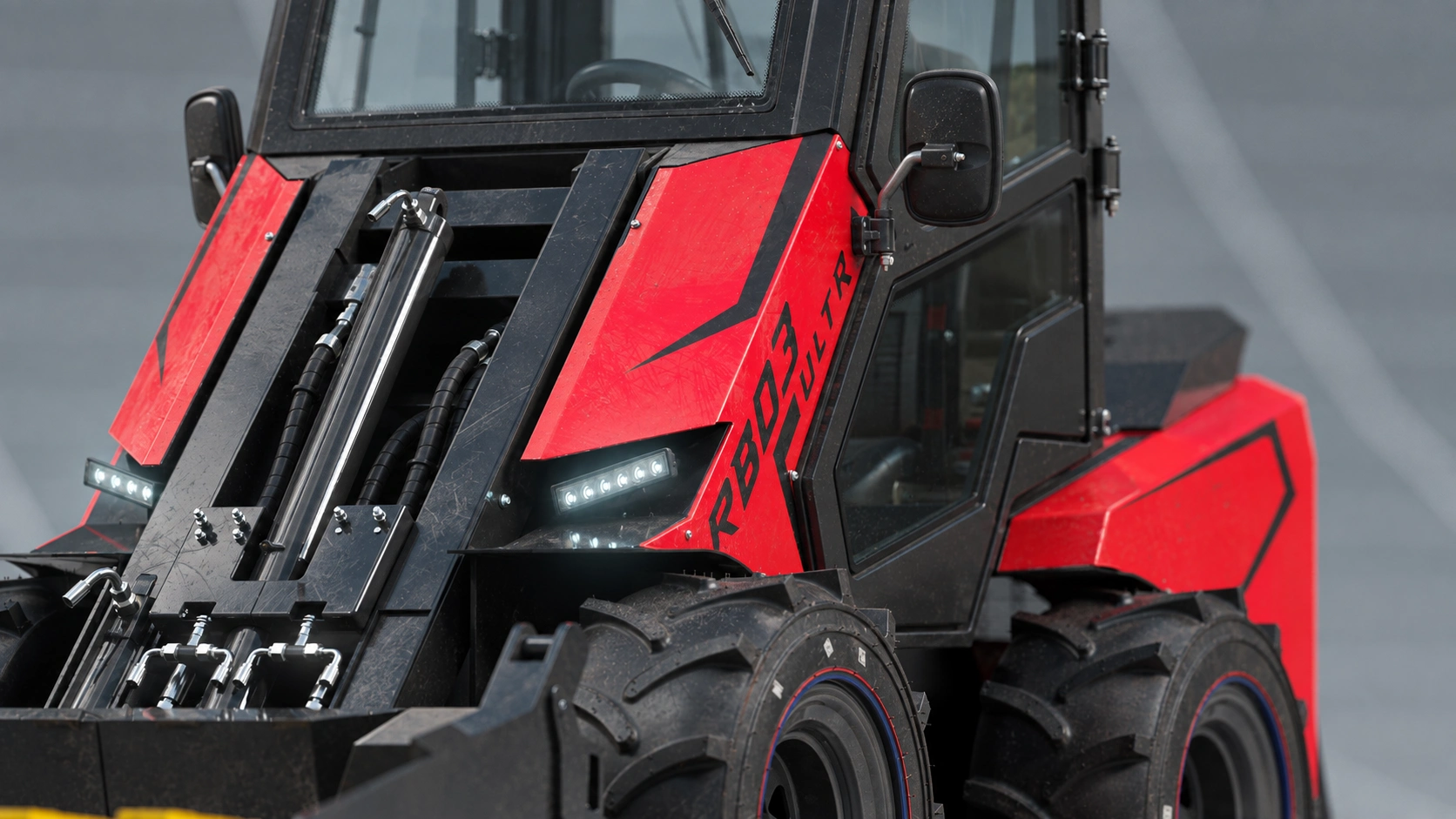
To demonstrate the loader in operation, we model the hydraulic cylinders, high-pressure hoses, fittings, control valves, mountings and other internal components in detail. The accurate 3D model reveals circuit routing, mechanism sequence and force transfer to the boom and bucket—without overloaded diagrams or difficult engineering drawings.
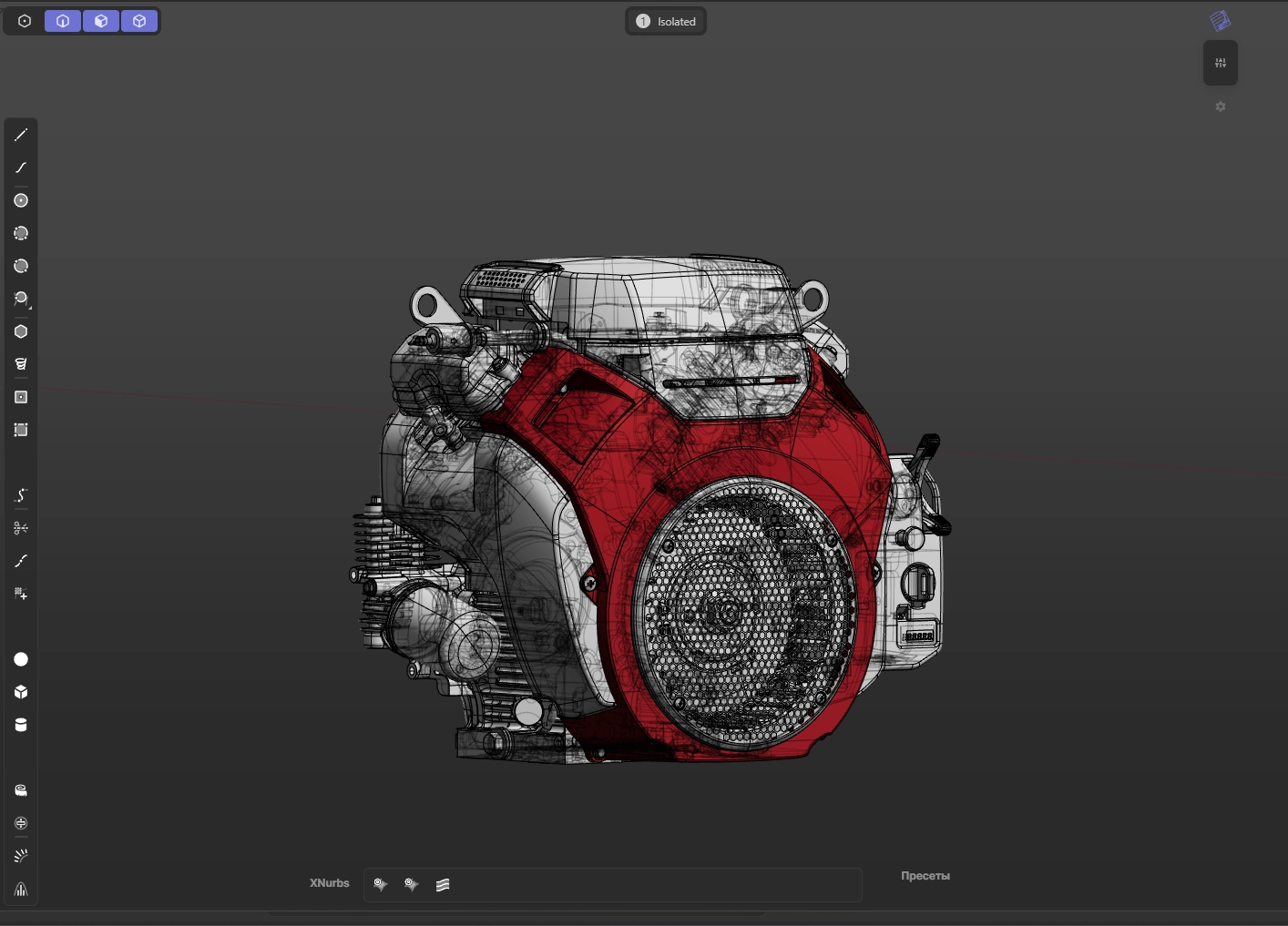
The engine is one example of this depth: housings, cooling elements, mounts and adjacent components are modeled separately and positioned inside the machine. The same product model can then generate cutaways, assembly views and technical animation without rebuilding the equipment for every task.
Weld beads, sheet-metal joints, chamfers, fasteners and machining traces are not decoration—they explain how the equipment is made. This construction detail preserves credibility in close-up renders, technical animation and product presentations.
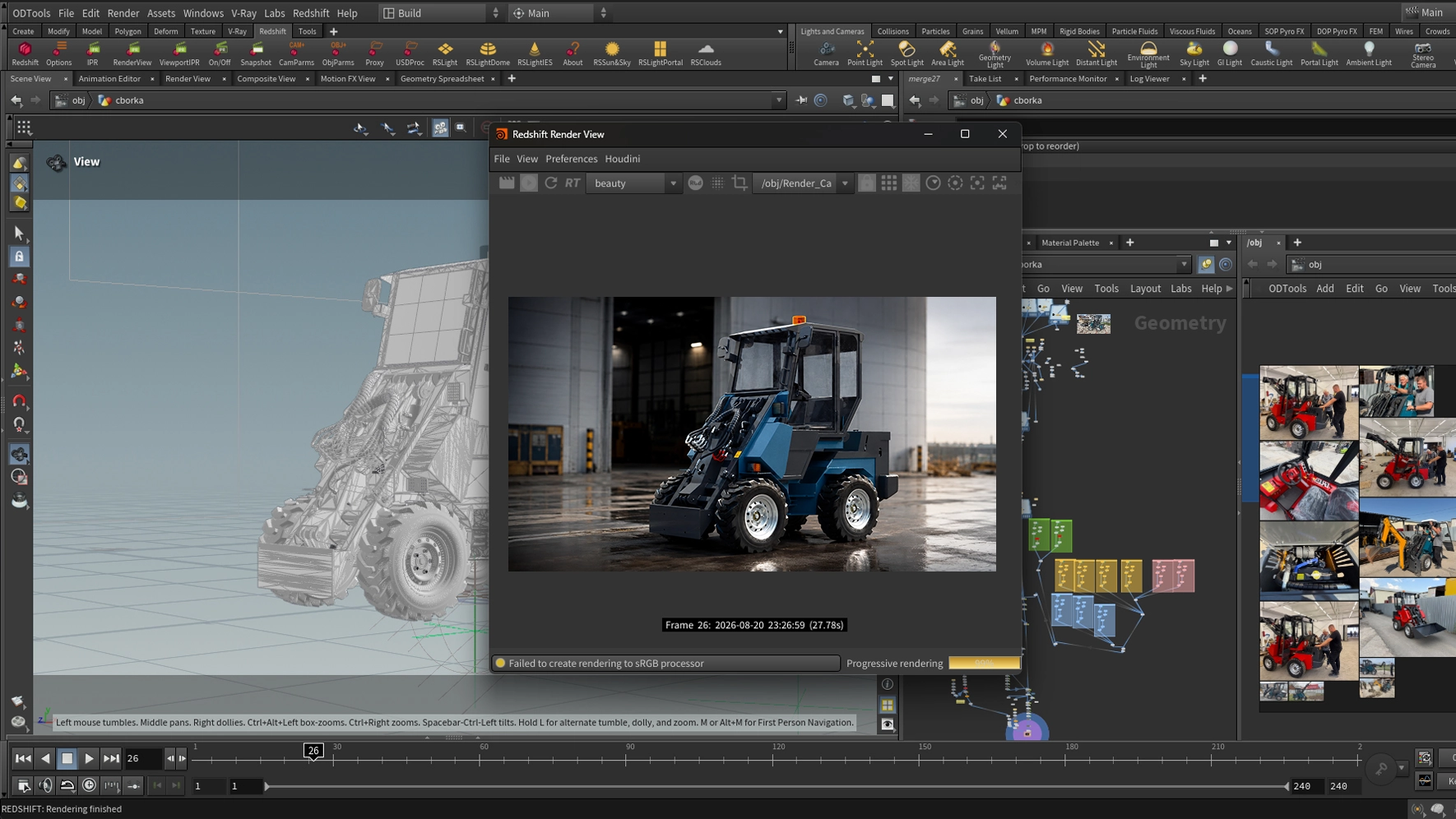
The approved scene supplies product pages, catalogs, presentations, animation, 360° viewers and configurators. When a color, attachment or product version changes, we update the model and produce new materials without organizing another full photo shoot.
See how the configurator works↓Models, wheels, cabins, attachments and specifications live on different pages. The buyer has to imagine how they work together.
Every compatible choice is assembled in one interactive space and immediately shown on the actual product.
Instead of comparing option names in catalogs, the buyer sees the finished machine, changes it in real time and sends the exact configuration to the sales team.
Fewer “what will it look like?” questions — more configurations ready to quote.
Interactive sales tool
The buyer compares attachments visually, assembles the required package and receives an up-to-date calculation. Selected options and contacts are sent directly to the CRM, so the manager can move straight to the offer.
Attachments and options are easier to compare.
The price changes with the configuration.
The manager receives the exact selected set.
Contacts and configuration arrive together.
Open the adapted demonstration of the implemented customer configurator for MAX 450.
OPEN CONFIGURATOR→We build a physically correct digital product from your CAD model, drawings and engineering data. Its geometry, assemblies, materials and movement logic match the real machine, so the approved asset becomes a long-term source for renders, animation, catalogs, 360° views, configurators and future product updates.
Construction, benefits and differences become clear without a long technical explanation.
The model preserves real proportions, assemblies, materials and operating logic—not just the exterior shape.
New angles, colors, attachments and versions are produced from the approved scene much faster.
One production investment keeps generating consistent sales content as the product evolves for years.
A 3D configurator lets the buyer rotate the machine, compare options, assemble a configuration and send a precise request. Open the configurator section to see how this sales format works on the MAX 450.
I created these tires alongside the loaders for three different projects. Tread patterns, sidewall markings and rubber textures help make the complete machine convincing, including in close-up views.
The finished models become reusable assets for new scenes and suitable machines. See the detail renders and real-time rendering video on the tire page.
Explore 3D tire visualization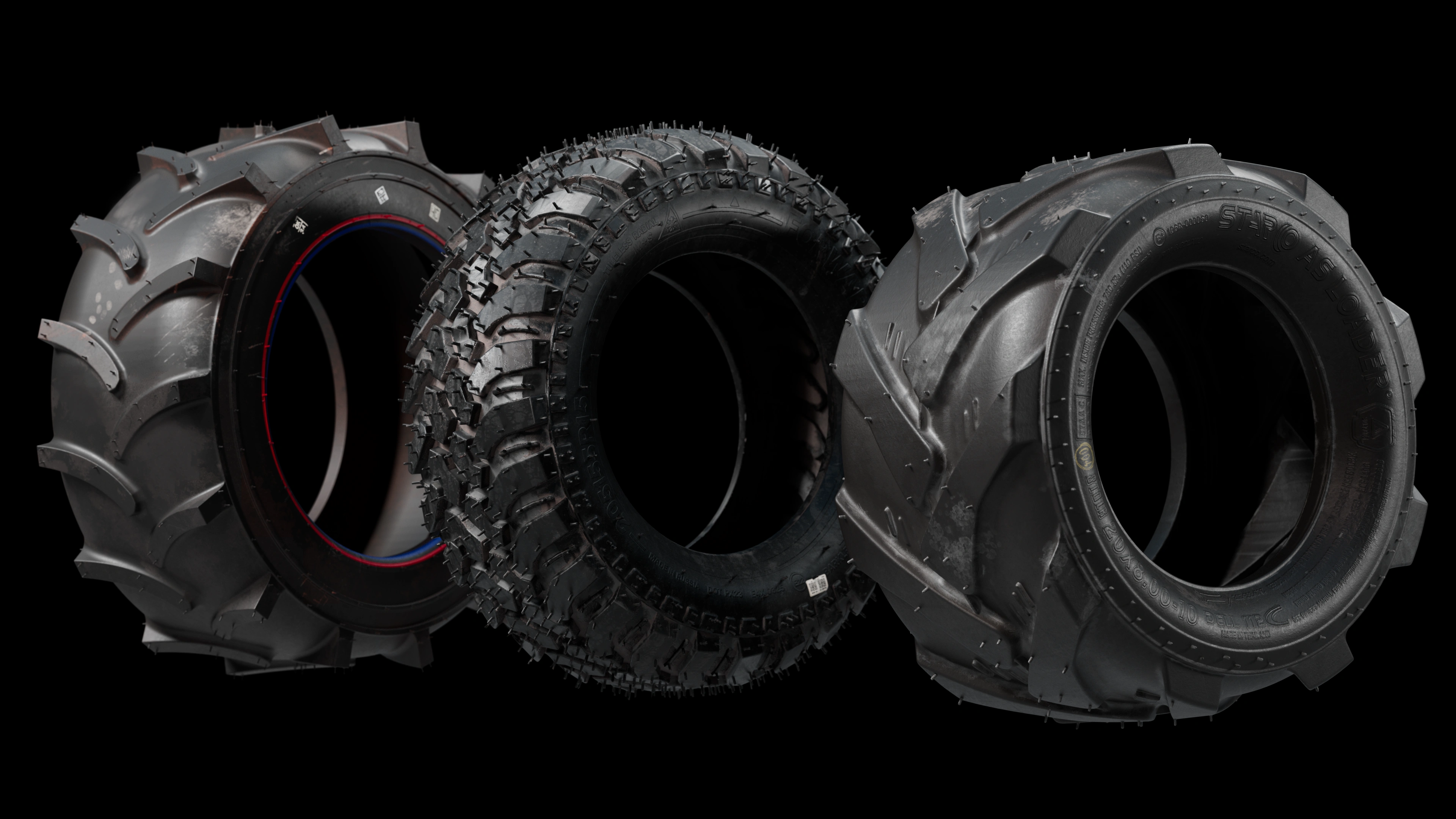
Update one part without rebuilding every approved visual.
Create new angles, colors and versions without moving equipment.
Keep the same light, materials and quality across every channel.
Use one model for images, animation, 360° and configurators.
Personal review and estimate
We will review your website and current materials, provide specific recommendations, propose solution options and calculate the cost.