Catalogs and product pages
Consistent angles and lighting across a product range. Show the silhouette, tread and markings clearly.

ND PRODUCT LAB / PRODUCT VISUALIZATION
Show the tread, sidewall lettering and rubber texture before a customer holds the product. I create detailed tire models and renders for websites, catalogs and advertising.
Discuss a tire project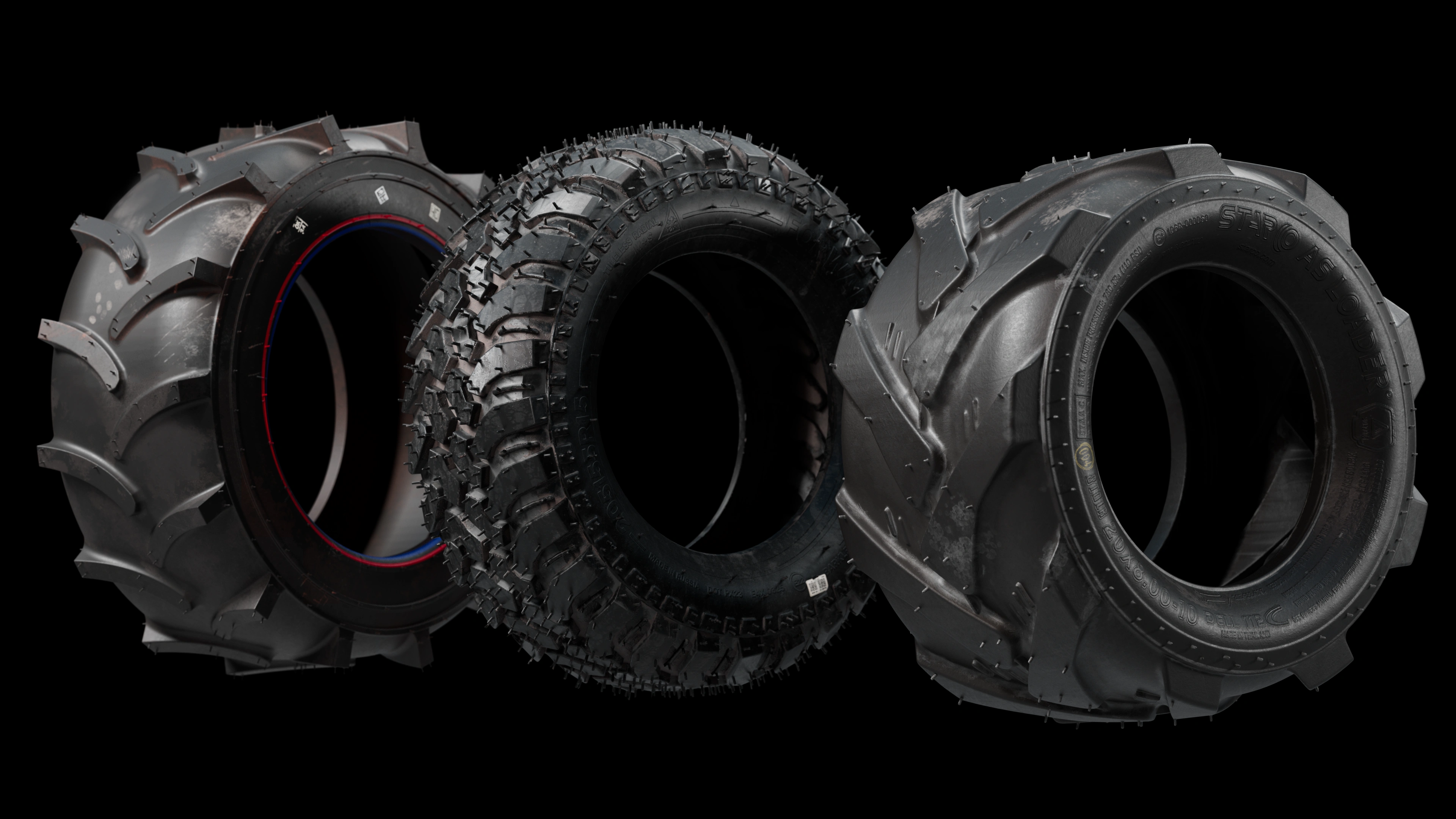
THREE LOADER PROJECTS
The three tires in the main image were created for three different loader projects. I modeled each tire alongside its loader, working on the tread, sidewall and rubber material as part of the complete machine. These are components of real projects, shown separately here to make the details visible.
WHERE IT WORKS
Consistent angles and lighting across a product range. Show the silhouette, tread and markings clearly.
Close-up imagery that draws attention to the rubber surface, lettering and small geometric details.
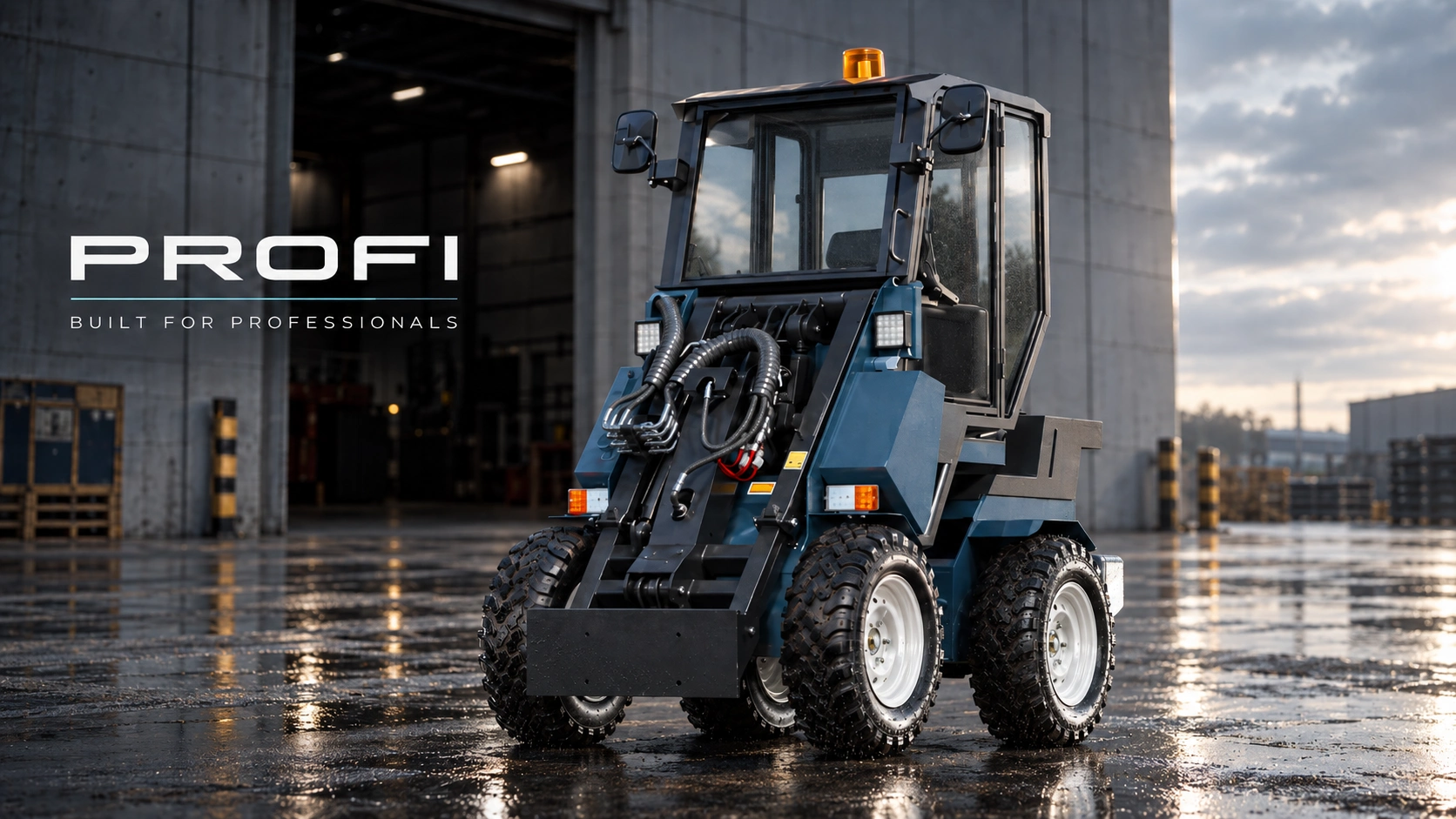
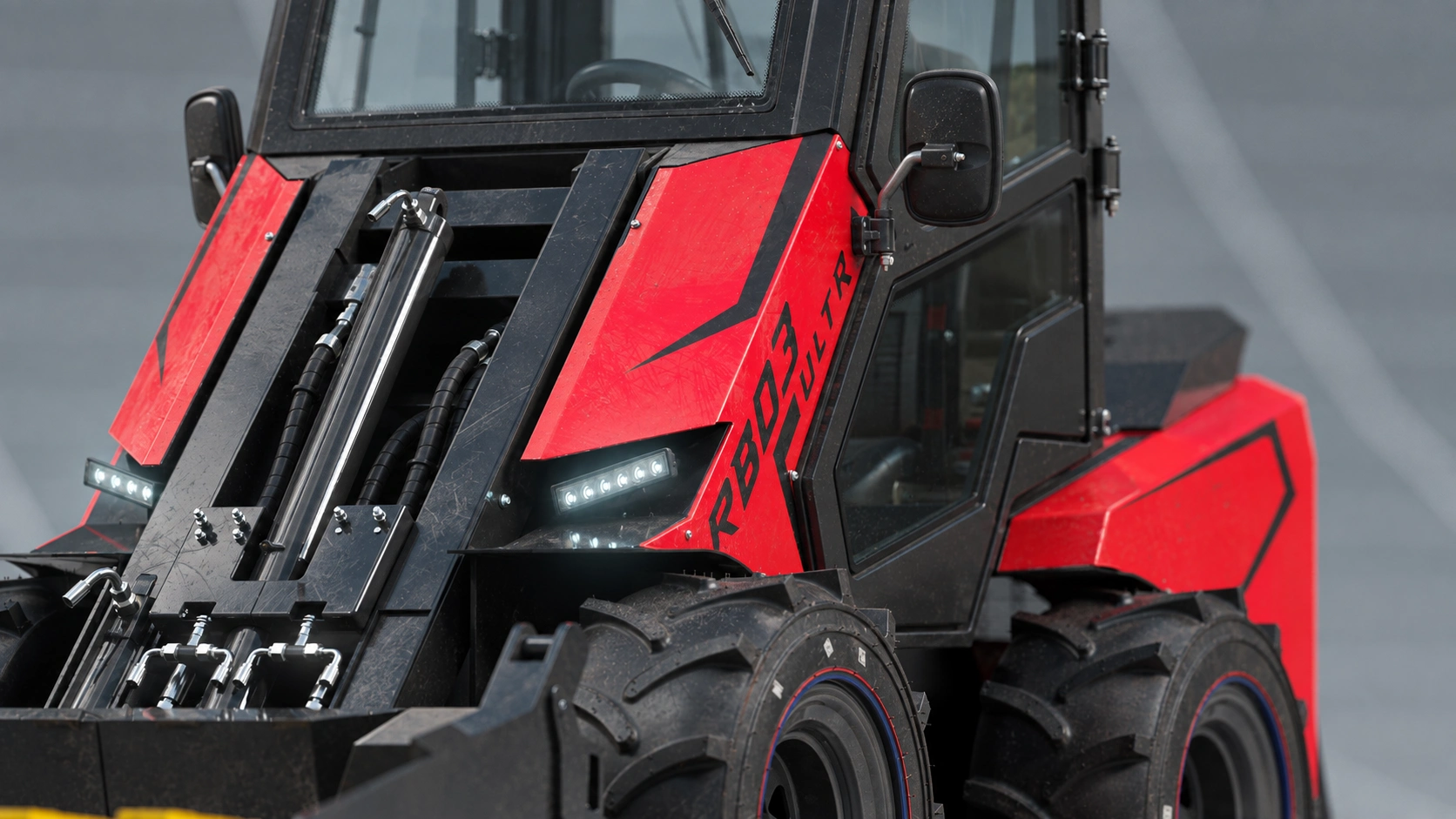
A tire model integrated into a loader or another machine. Detail level is chosen for the final camera distance.
MAKSTEM / 3D TIRE EXAMPLE
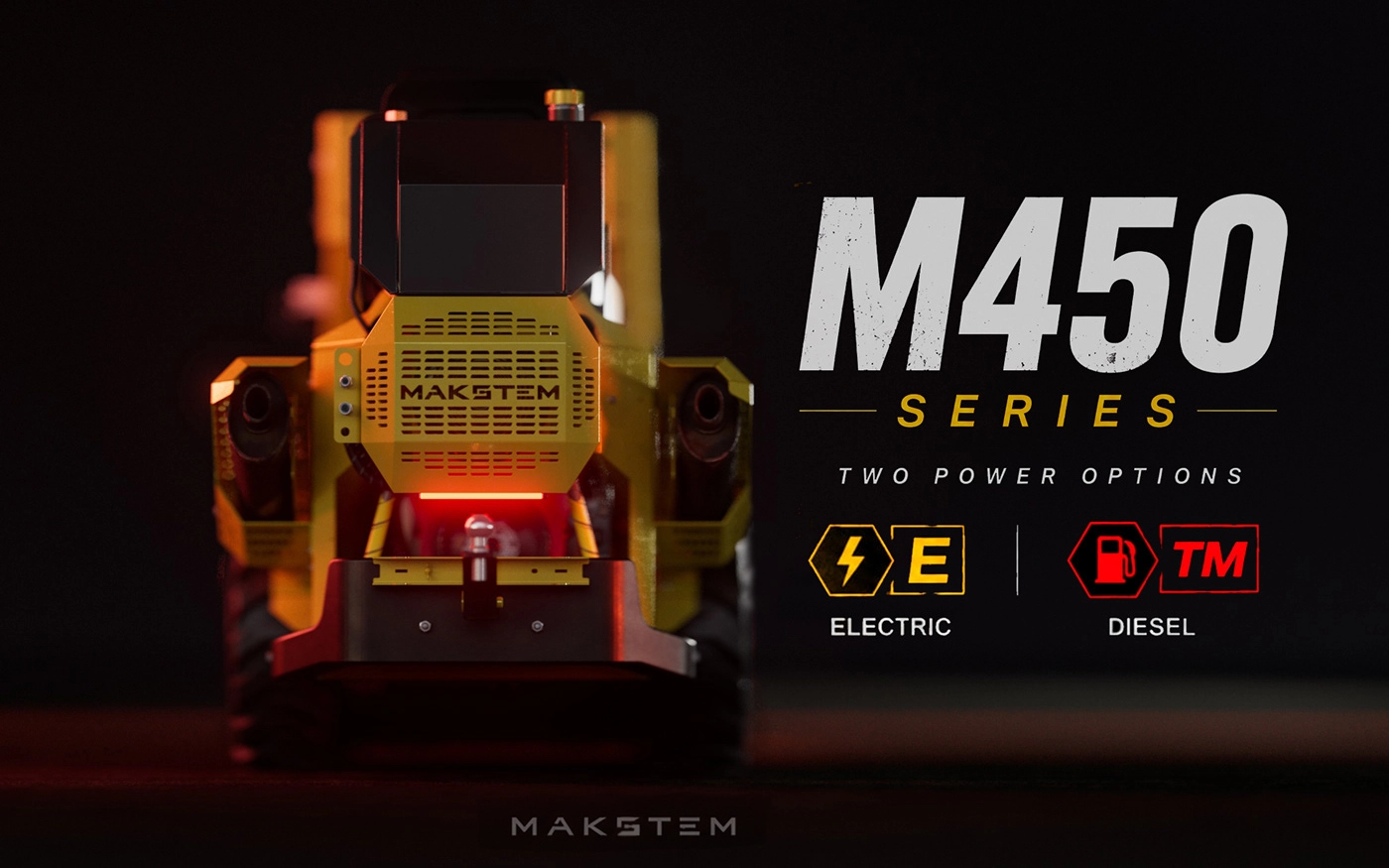
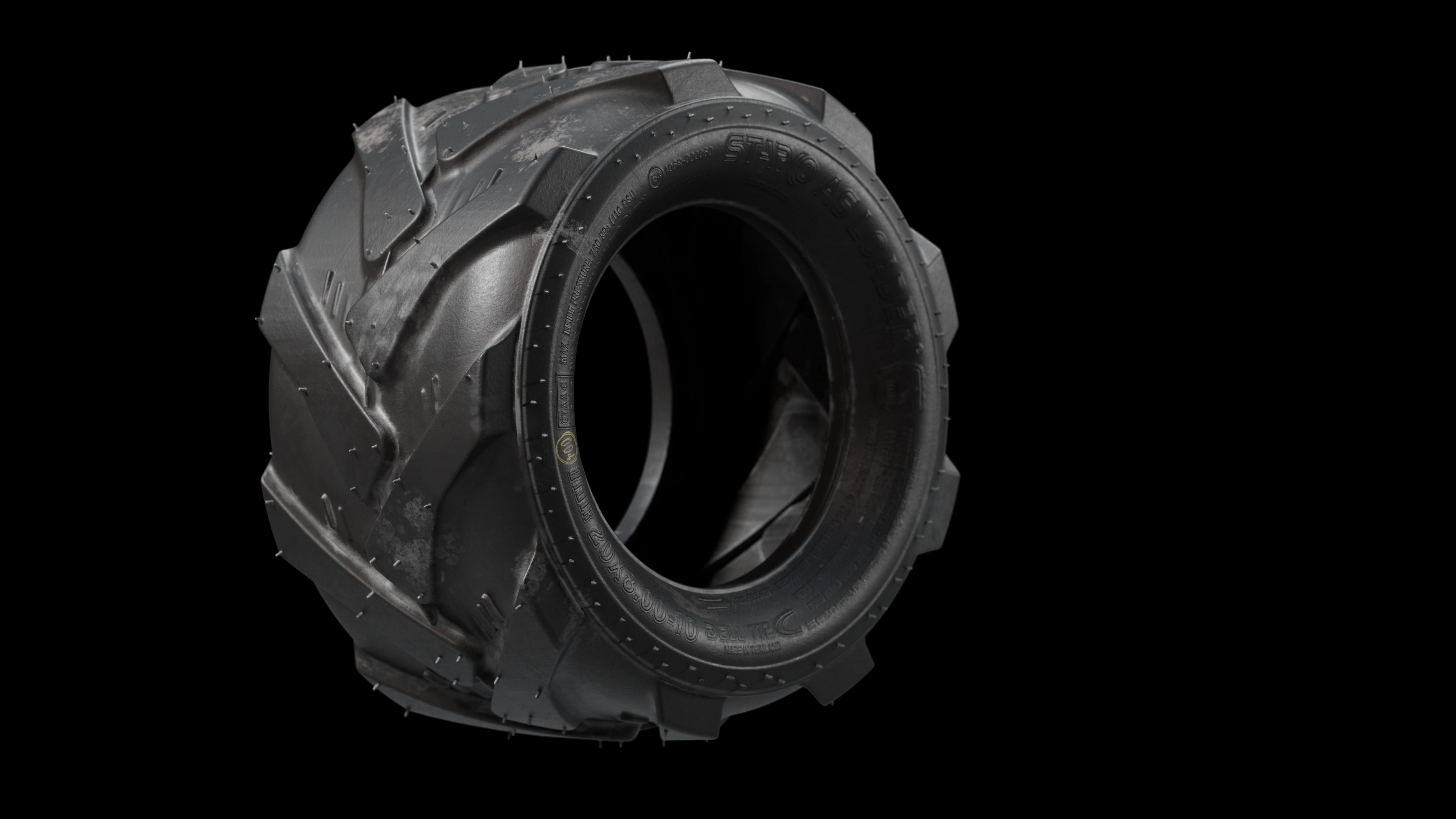
For the MAKSTEM project, I built a dedicated tire model with tread, sidewall lettering and rubber texture. The basic model conveys the shape; the refined version adds details that matter in close-ups.
The two views below show the overall shape and close-up details. This level of refinement is useful when the tire itself is the focus of a product page, catalog or advertising image.
This wheel took 2 hours and 30 minutes to create. This is the time for this particular example, not a standard delivery time for every tire.
View the MAKSTEM project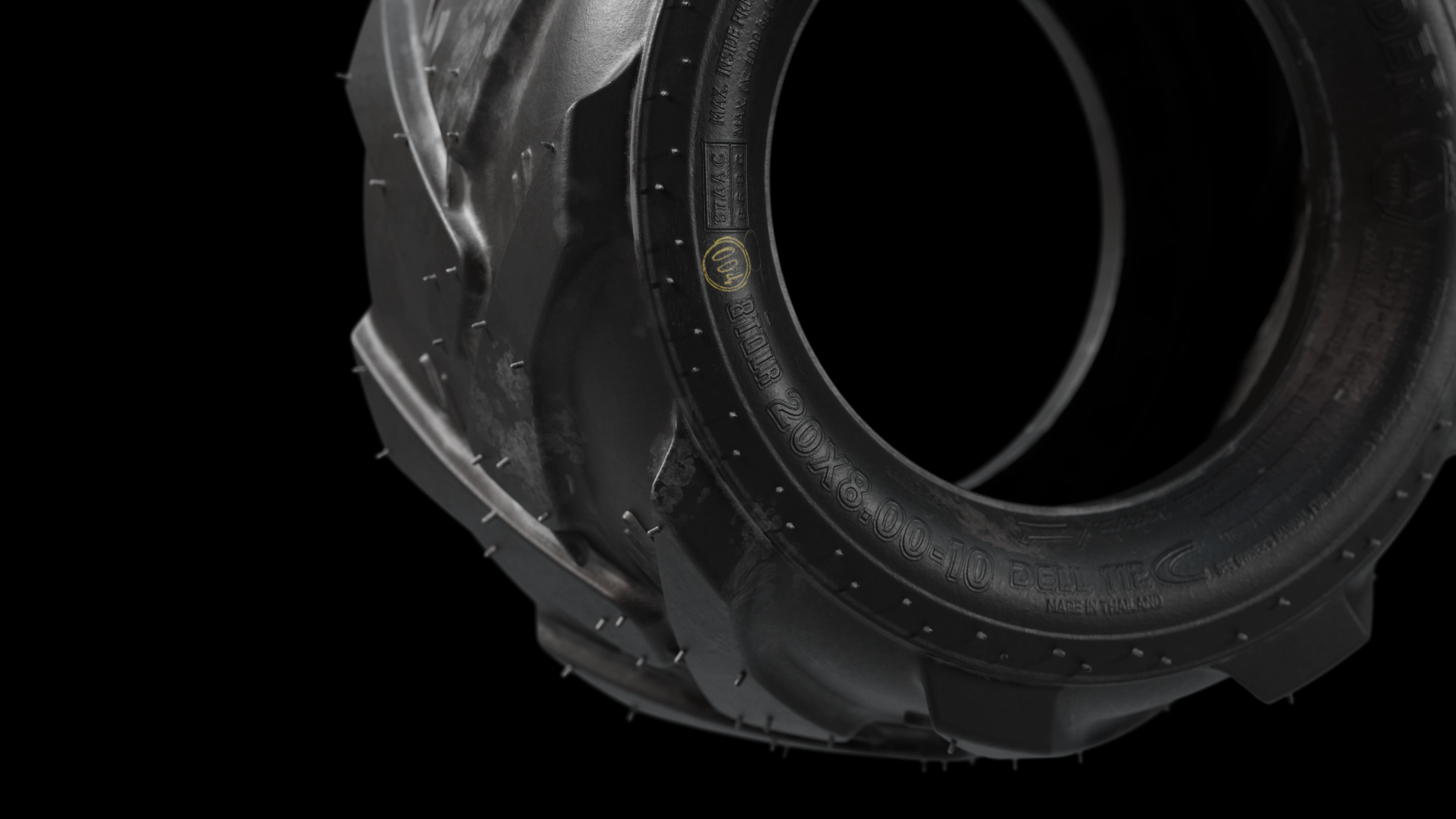
02 / TIRE FROM ANOTHER LOADER PROJECT
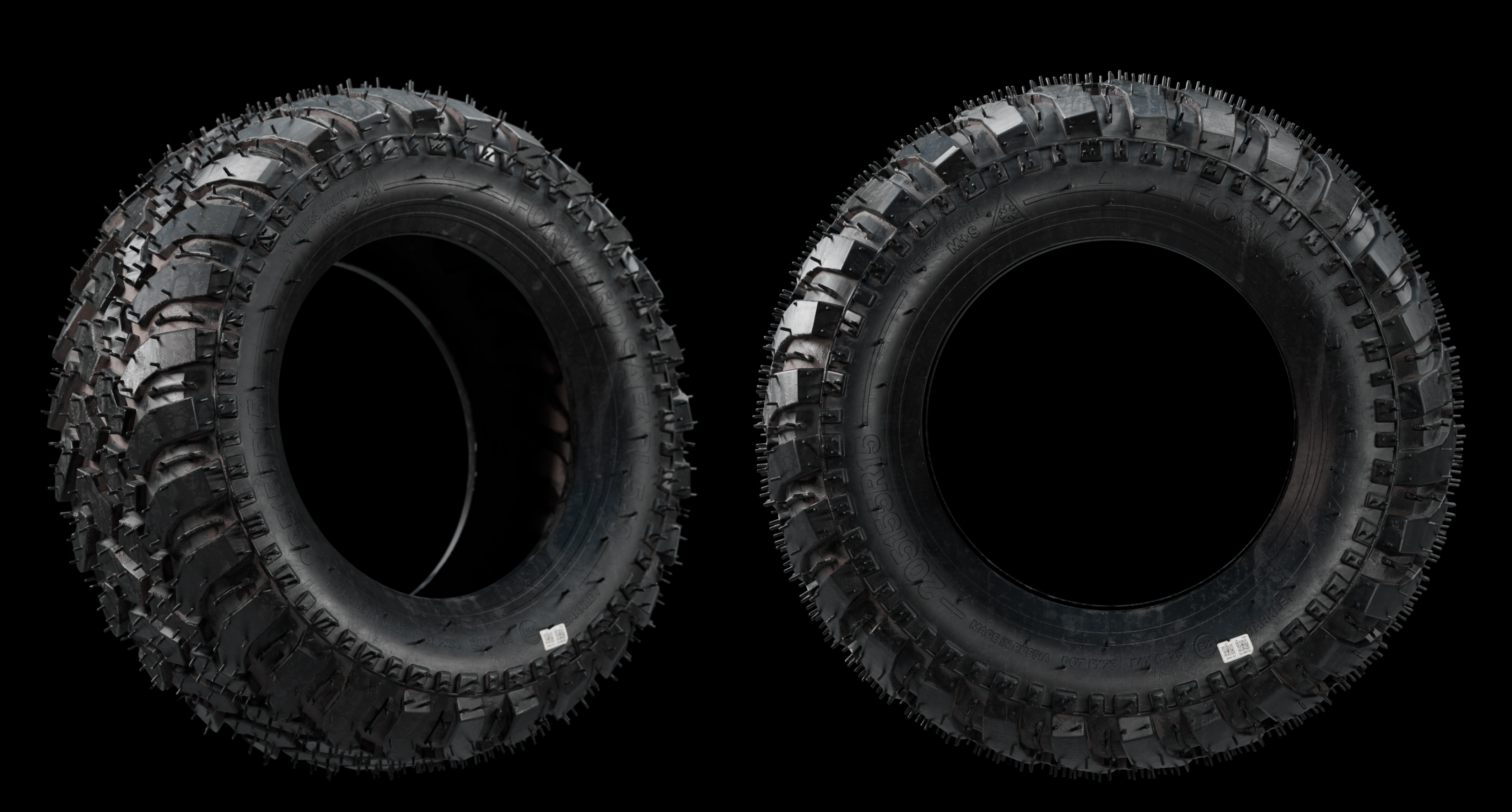
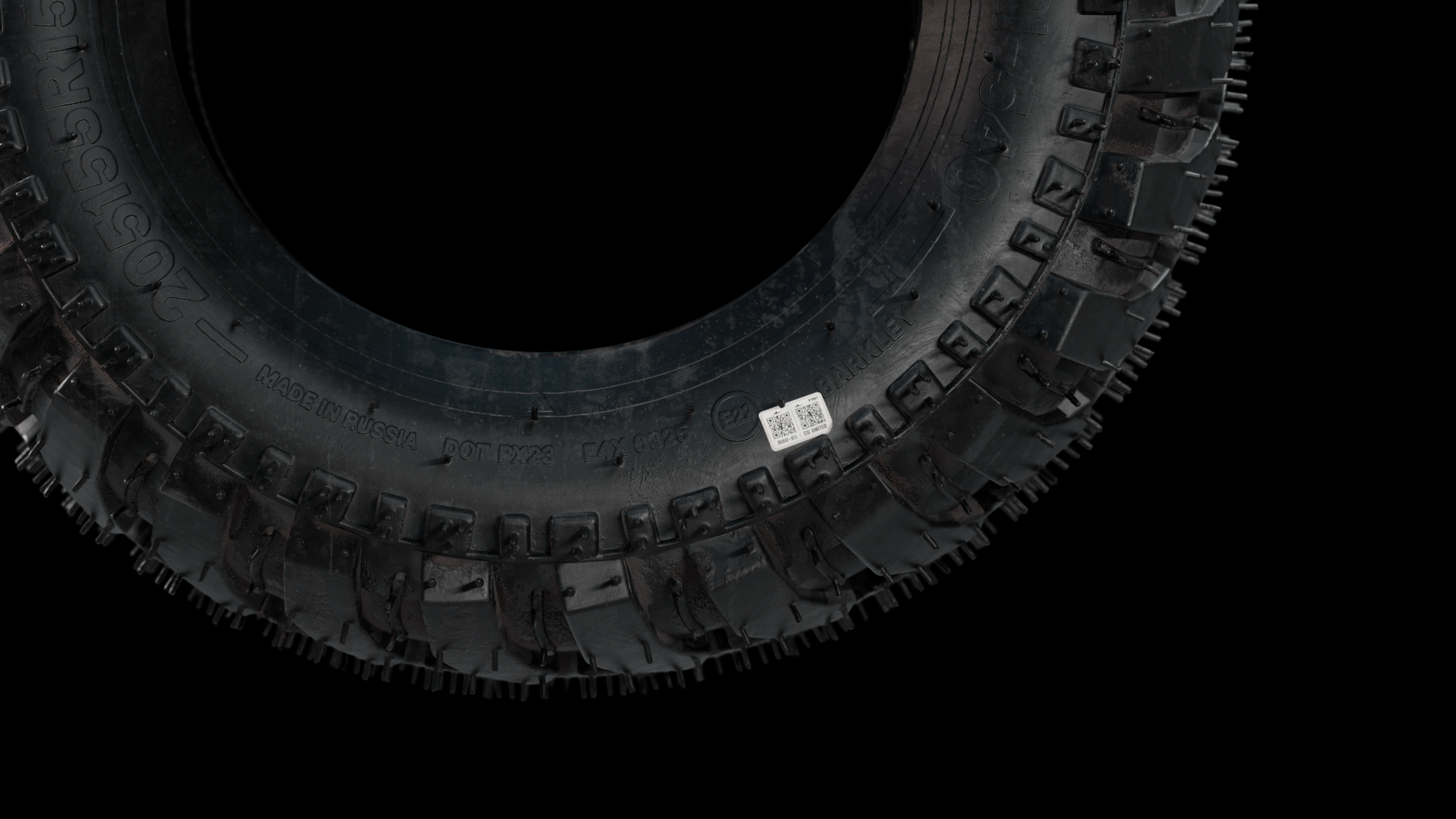
This is the second tire, which I created together with a loader for another project. Its individual tread blocks, sidewall lettering, fine rubber hairs and surface texture give the model its own character. The first image shows the tire from two angles; the close-up below reveals the smaller details.
3D ASSET LIBRARY / VIDEO
A detailed 3D tire is more than a component for a single render. It becomes part of a reusable model library: I can use it with new loaders, in new scenes and camera angles whenever the tire matches the machine.
The work invested in geometry, lettering and materials continues to support new visualizations. Rather than starting from scratch each time, I adapt the finished asset to the task — for a catalog, advertising image, animation or product presentation.
Watch on YouTubeWORKFLOW
We agree on views, image sizes and intended use. Send photos, dimensions and a CAD model if available.
I build or prepare the geometry, check proportions and develop the tread pattern against the references.
I add the agreed lettering, rubber texture and surface details, then set the lighting and cameras.
You review previews before final rendering. File formats, revisions and delivery of the 3D model are agreed in the brief.
Send side, front and angled photographs, close-ups of the tread and all sidewall markings, and the key dimensions. Clear photos of small details help create a convincing result. Any hidden or undocumented elements need clarification.
The quote depends on source model quality, tread complexity, lettering, required close-up detail and the number of final images. An existing CAD model may reduce modeling work, but can still need preparation for rendering.
FAQ
Yes, with clear views, close-ups and dimensions. Visual reconstruction is not a substitute for engineering documentation or manufacturing validation.
No. A distant machine view and a full-screen tire close-up require different levels of detail. We choose the scope for your use case.
It can support additional views and scenes. Animation, real-time use and model delivery may require separate preparation and must be agreed in advance.
Send references and tell me where the images will be used. I will assess the modeling scope and prepare a quote.
Request a quoteREAL-TIME / 3D
A video demonstration of all three tire models. Compare their tread patterns, sidewall details and rubber materials beyond the still images.
Watch on YouTubePersonal review and estimate
We will review your website and current materials, provide specific recommendations, propose solution options and calculate the cost.