
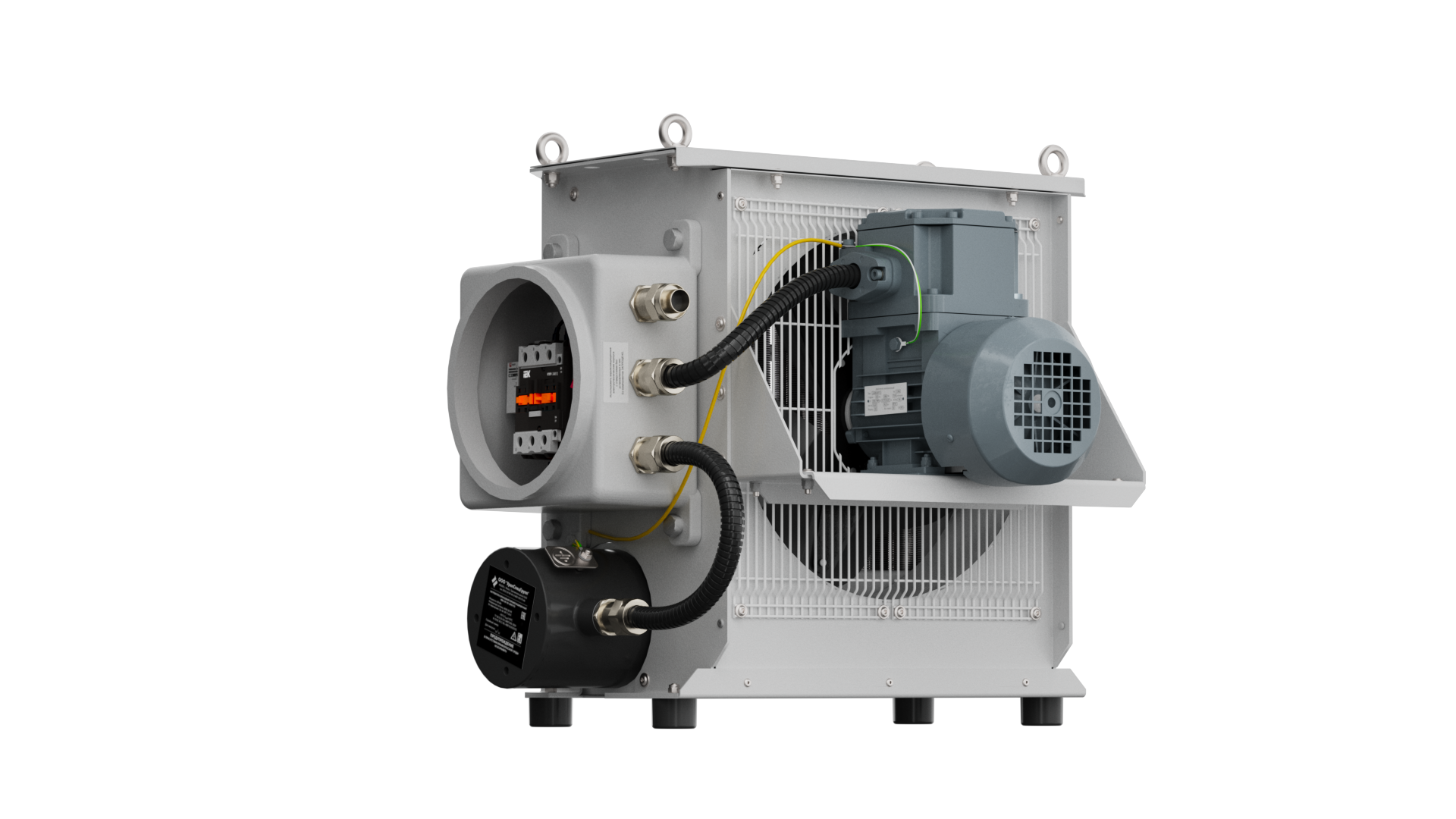
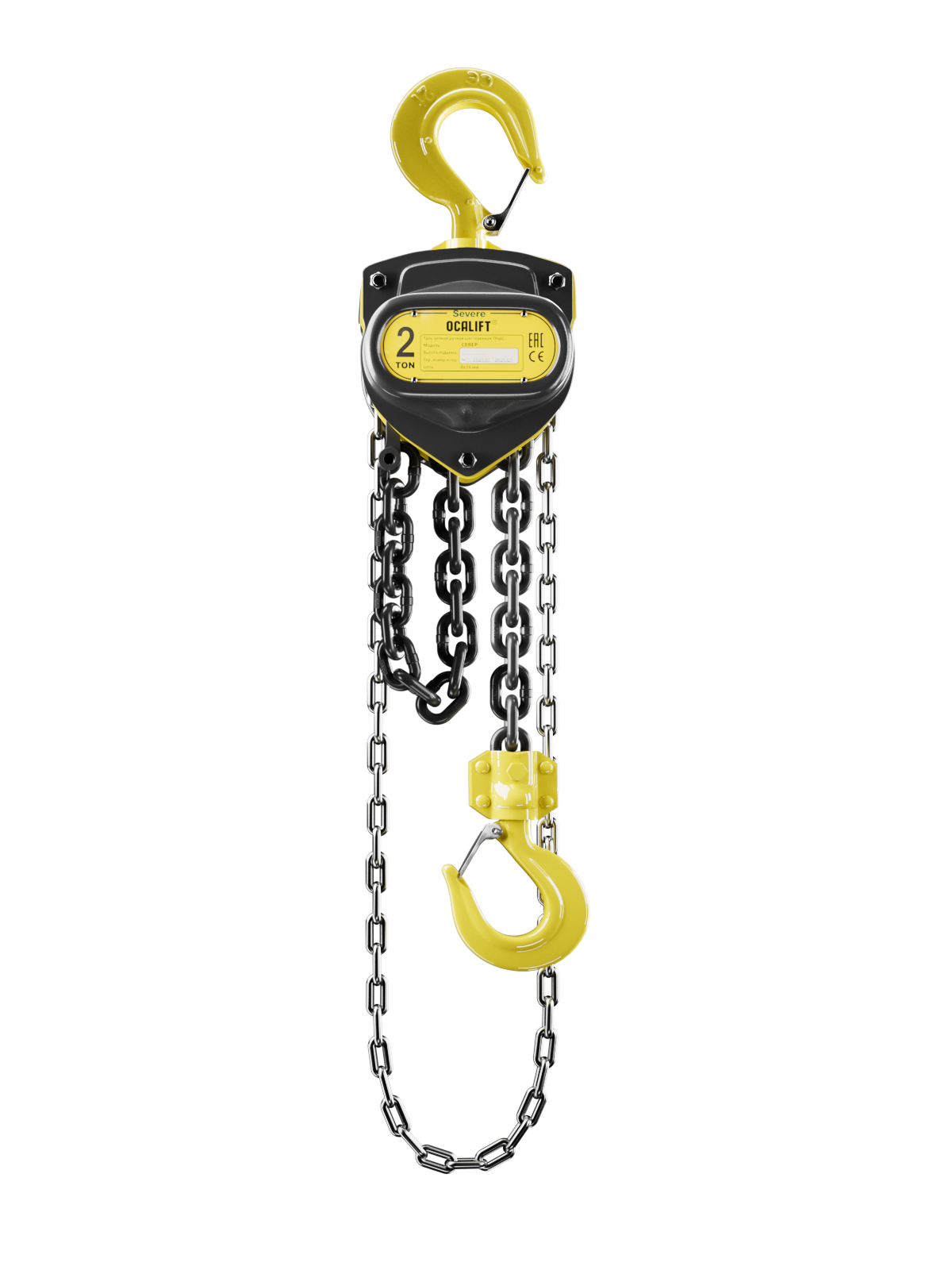
Interactive examples
Try the 360° product viewers
Click and drag to rotate the model. Double-click to zoom in, then keep rotating.
100+
Interactive 360° product viewers delivered
01 / INTERACTIVE 3D
Rotate the equipment. Reveal more.
A finished responsive web module for product pages, catalogs and presentations.
Interactive 360° viewer based on photorealistic 3D renders
360 product viewer for industrial equipment
Show buyers the equipment from every side directly in the browser.
100+interactive 360° product viewers delivered
Full HD with 4K loading
Desktop and mobile
No recurring subscription
Integration into your existing website
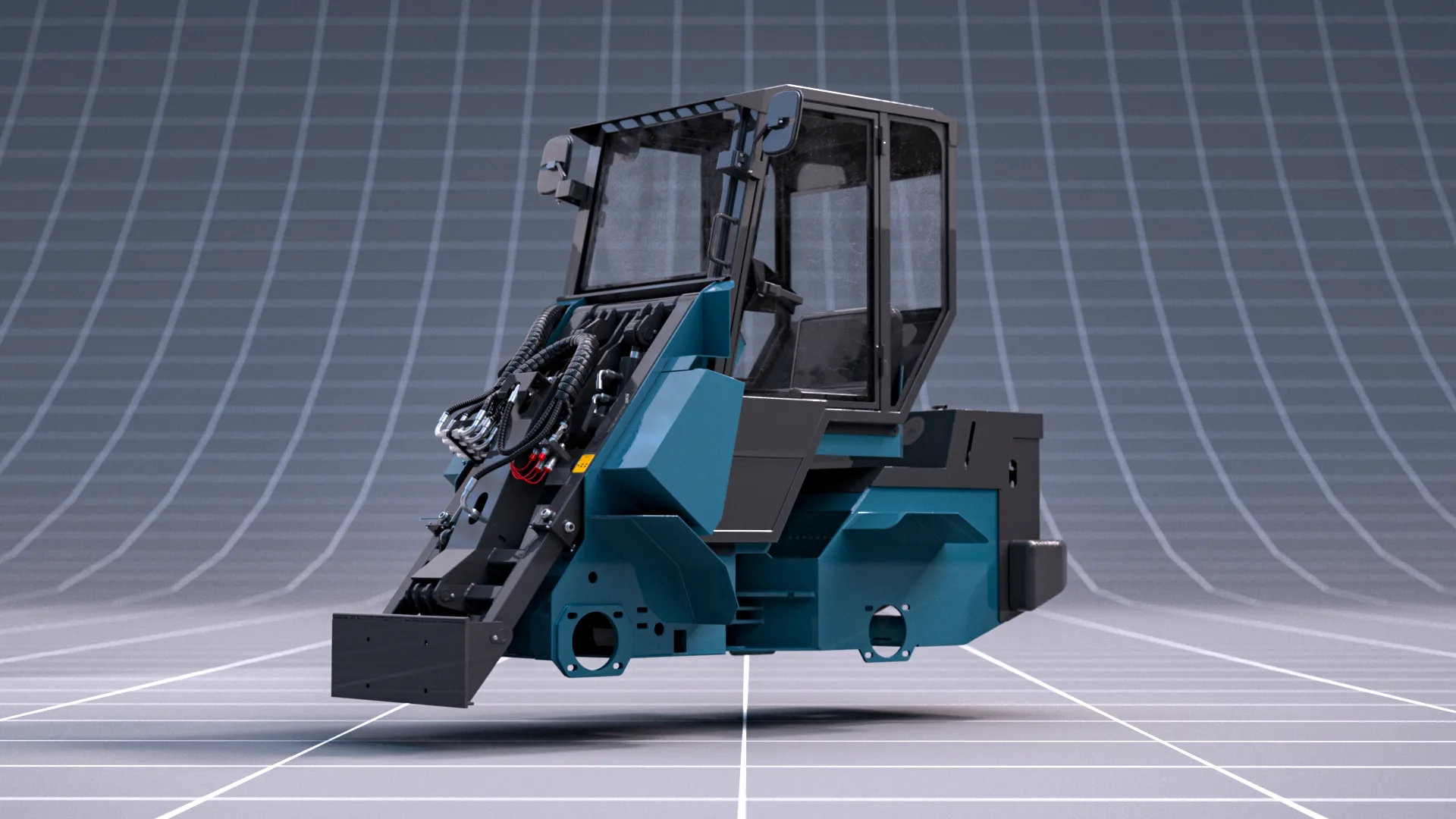 3D 360° VIEWER IN DEVELOPMENT
01 / COMPACT LOADER / INTERACTIVE 3D 360° VIEWER
Configure the loader before you order it
The interactive 3D 360° viewer will let a buyer rotate the loader, change the body color and try different attachments directly on the website.
- 360° product view
- Selectable colors
- Attachments and options
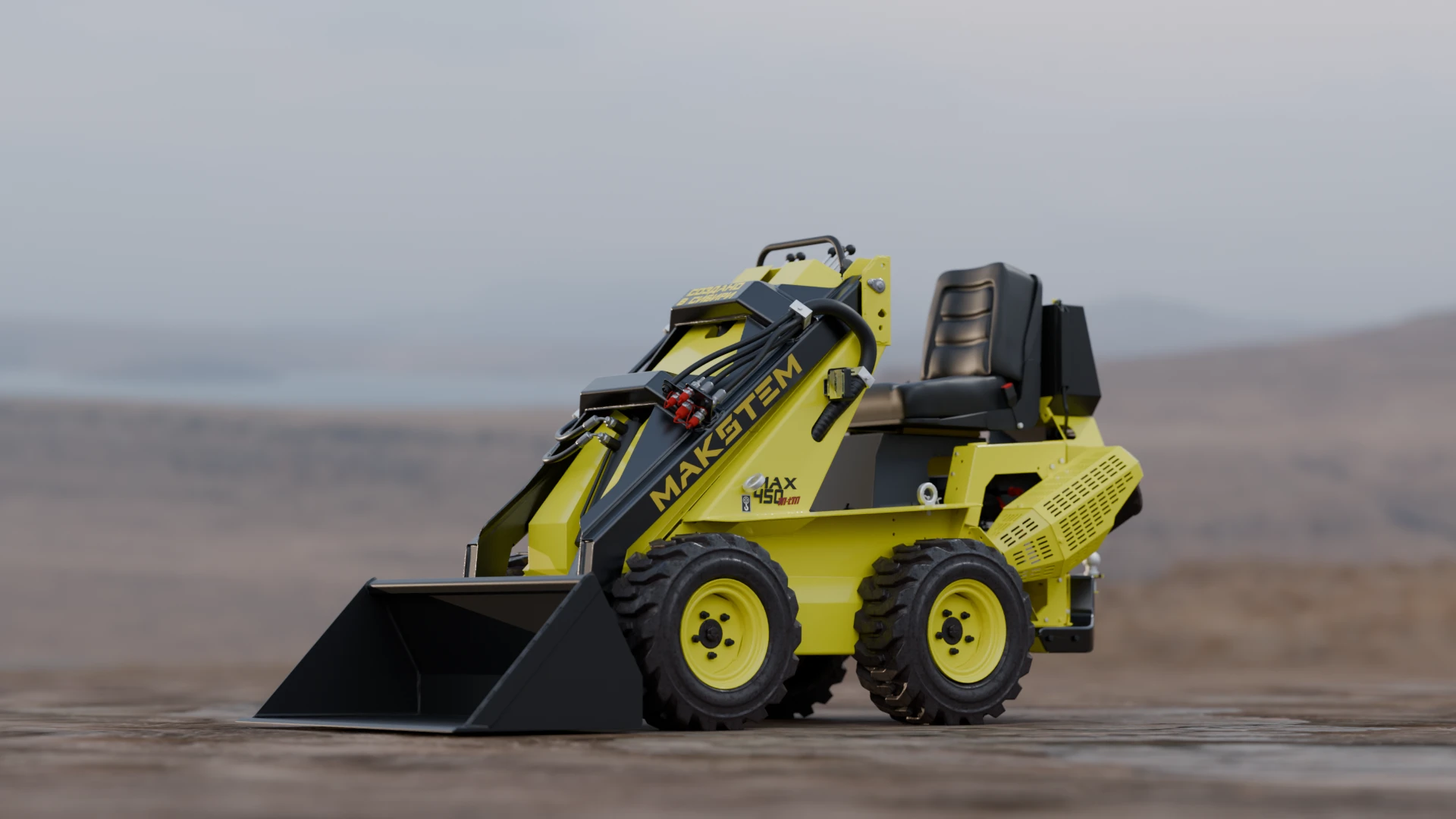
02 / MAKSTEM / COMPACT LOADER
Put heavy machinery inside the buyer’s screen
The loader can be explored from the bucket to the rear compartment without transporting the machine or preparing a photo location.
03 / INDUSTRIAL EQUIPMENT / ONE STANDARD
Present the entire product line in one consistent format.
Create one consistent presentation format for the entire equipment range. Matching angles, scale, lighting and image quality help buyers compare models while keeping the company catalog cohesive and professional.
For websites, dealers and presentations
One 360° module — four ways to speed up sales
Show machinery without transporting it
Send one link instead of transporting equipment.
Answer questions about every angle at once
Every angle is available in one module.
Use one module in every sales channel
Use the viewer across sales channels.
Update the product line without a new photo shoot
Add new versions from the finished 3D model.
Photography or render-sequence 360°
Choose the method that keeps working after launch
Criterion
Photo-based 360°
Render-sequence 360°
Product availabilityRequired on setCan start before production
Large and heavy equipmentTransport and location costsNo transport or studio
ConfigurationsEach version is photographedVersions reuse one 3D asset
Future changesAnother photo shootUpdate model and rerender
What the client receives
Not just frames. A finished sales tool.
We prepare the visual asset, build the interface, connect it to the site and test the entire experience.
- 3D model preparation or refinement
- Materials, lighting and consistent camera
- Optimized Full HD and 4K frames
- Mouse, touch and zoom controls
- Responsive branded interface
- Embed code and website installation
- Device testing and performance optimization
- Analytics-ready interaction events
You receive a finished web module, not just a set of renders.
Price and project start
What is needed for a preliminary estimate
The price depends on equipment complexity, source materials and integration.
Source materials
CAD file, 3D model, drawings or photographs.
Viewer format
Full HD, 4K, zoom and mobile version.
Integration location
Website, product page, catalog or dealer portal.
Production process
From model to website
3D preparation
We prepare or rebuild the model, materials, camera and product configurations.
Render sequence
Every angle is rendered consistently and optimized for visual clarity and file size.
Viewer development
Controls, loading logic, mobile behavior and interface details are configured for the project.
Review and optimization
We verify angles, sharpness, loading weight and touch behavior.
Website integration
The module is embedded, tested on target devices and prepared for analytics and future updates.
Where it works
Built for technical products
3D view for construction machinery
Interactive 360° presentations for excavators, wheel and tracked loaders, skid-steer loaders, backhoe loaders, bulldozers, graders, road rollers, cranes, telehandlers, concrete equipment and construction attachments.
3D view for special-purpose equipment
Online product viewers for municipal, lifting, warehouse, mining, forestry, road-building and industrial equipment: hoists, forklifts, pumps, compressors, generators, drilling rigs, service vehicles and interchangeable working tools.
3D view for agricultural machinery
360° product views for tractors, combines, harvesters, seeders, sprayers, cultivators, plows, balers, forage equipment, trailers, grain machinery, agricultural attachments and replaceable implements.
Integration without rebuilding the website
A 360° viewer for the platform you already use
We prepare the viewer as a lightweight web module and integrate it into a product page, landing page, digital catalog or sales presentation.
Before the first rotation
Frequently asked questions
01Do we need a finished 3D model?
The project can be completed even without a finished 3D model. If you already have a suitable model, great — the work will take less time and cost less. If you do not have one, I can create it from photographs taken with an ordinary phone. The more angles and details you provide, the more accurate the result will be: I carefully reproduce seams, fasteners, joints and other small elements, because realism is built from the details.
02Will the viewer work on phones?
Yes. Mouse, touch and zoom controls are adapted for desktop, tablet and mobile screens.
03Can a 360° viewer be embedded in an existing website?
Yes. We develop and integrate 360° product viewers for WordPress and WooCommerce, Shopify, Webflow, Wix, Squarespace, Tilda, HubSpot CMS and custom websites. The module can be added without rebuilding the entire site.
04Is a monthly subscription required?
No recurring viewer subscription is required. The final delivery is a reusable web asset owned by the client.
05Can the same asset become a configurator later?
Yes. The viewer can be extended with selectable colors, attachments, versions, hotspots and configuration logic.
Your equipment. Every angle. One link.
Turn industrial equipment into an interactive sales module.
Send source materials for a preliminary estimate.