
AGRICULTURAL EQUIPMENT / DIGITAL ASSET
Agricultural Machinery 3D Visualization
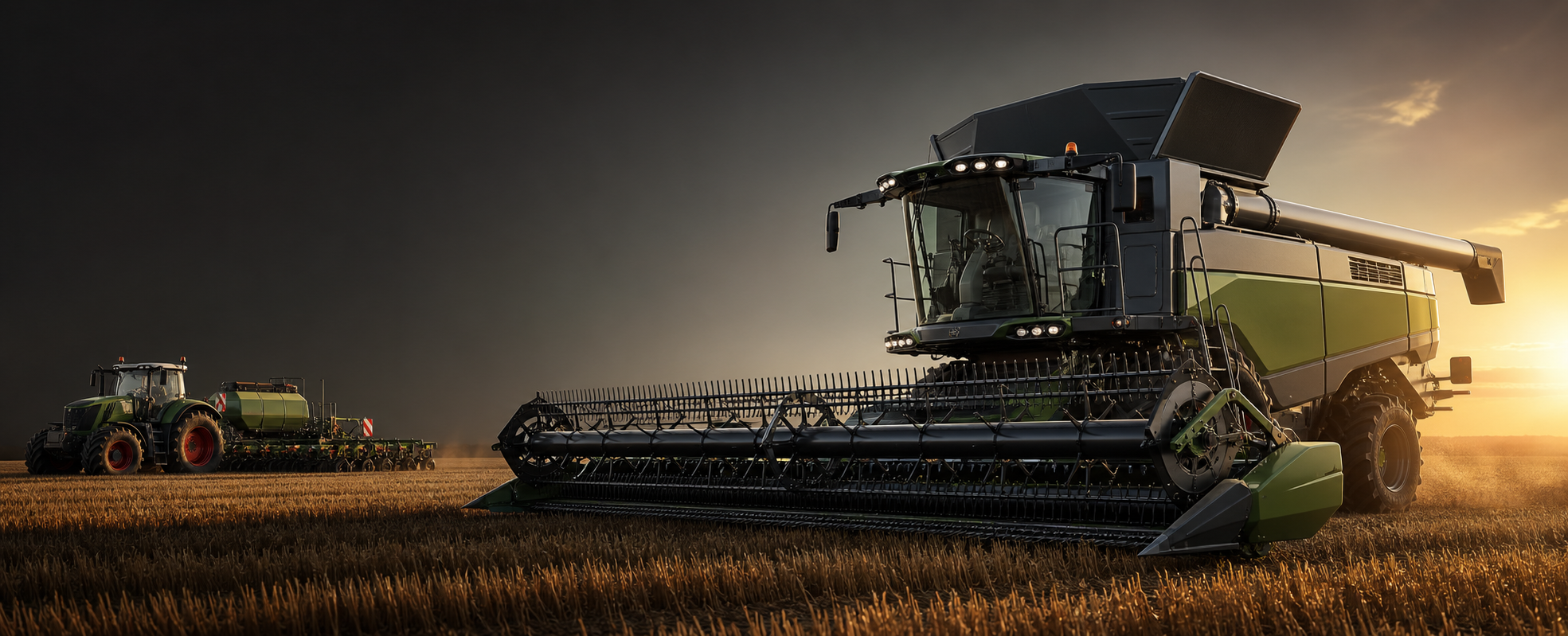
Show large machinery without a large photo shoot. We create a realistic digital model that can be viewed from any angle, in any environment, in sections and even from the inside.
Do not take the combine to the studio. We build the studio around the combine.Discuss the project
01 / BEYOND PHOTOGRAPHY
When ordinary photography is not enough
Photography records the finished machine under real conditions. 3D also shows how it is designed, configured and how it works.
Hidden mechanisms
Reveal assemblies that a camera cannot reach.
Material flow
Visualize grain, seeds, fertilizer and hydraulics.
Cutaways and exploded views
Explain the machine layer by layer.
Before production
Create campaign materials while the first unit is still being assembled.
Instant configurations
Change colors, wheels, cabins and implements.
Consistent product line
Match angles, lighting and scale across every model.
02 / ANY CAMERA
Show the machine from the angle the buyer needs
Once the model exists, the camera is no longer limited by the location, weather or physical access.
Need another angle? Open the scene and turn the camera—not the whole production crew.

03 / INSIDE THE MACHINE
Make the invisible advantage visible
Working elements and drives
Grain, seed and fertilizer movement
Hydraulics and power transfer
Cooling and internal assemblies
Assembly and implement replacement
Technical design advantages
04 / SOURCE MATERIALS
Perfect source files are helpful—not always required
CAD and technical drawings are ideal. Depending on the required accuracy, we can also work from phone photos, video, catalogs, dimensions and existing 3D models.
Photograph the equipment, send the dimensions—and the machine enters digital production while you stay at your desk.
05 / ONE MODEL
One 3D model becomes an entire content ecosystem
A photograph is fixed. A digital model can be opened, updated and reused whenever the business needs another format.

06 / PRODUCT UPDATES
Change the model—not the entire marketing plan
- Open the existing project
- Add the design changes
- Update angles and animation
- Render the new materials
07 / PRODUCT FAMILY
Every model in one visual language
Different machines, years and configurations receive matching angles, lighting, background, color and scale. The website and catalog finally look like one system.




08 / BEFORE PRODUCTION
The real machine is still being assembled. Its digital version is already selling.
09 / OUTPUTS
What one model can produce
Photorealistic renders
Website, advertising, presentations and print.
Cutaways and exploded views
Construction, assemblies and advantages.
3D animation
Technical operation and campaign films.
360° product viewer
Interactive viewing directly on the website.
3D configurator
Models, colors, wheels, cabins and implements.
Complete product line
Consistent visuals for every configuration.
10 / PROCESS
From source files to a reusable digital asset
- 01
Receive materials
CAD, drawings, photos, video and dimensions.
- 02
Build or prepare the model
Geometry, materials, colors, labels and technical detail.
- 03
Set the presentation
Angles, environment, lighting and communication goals.
- 04
Produce the assets
Renders, animation, cutaways, 360° or configurator.
- 05
Preserve for future use
New angles, updates and campaigns without starting over.
BUILD THE DIGITAL MACHINE