For sales
Clear views for websites, catalogs and proposals.

3D product rendering
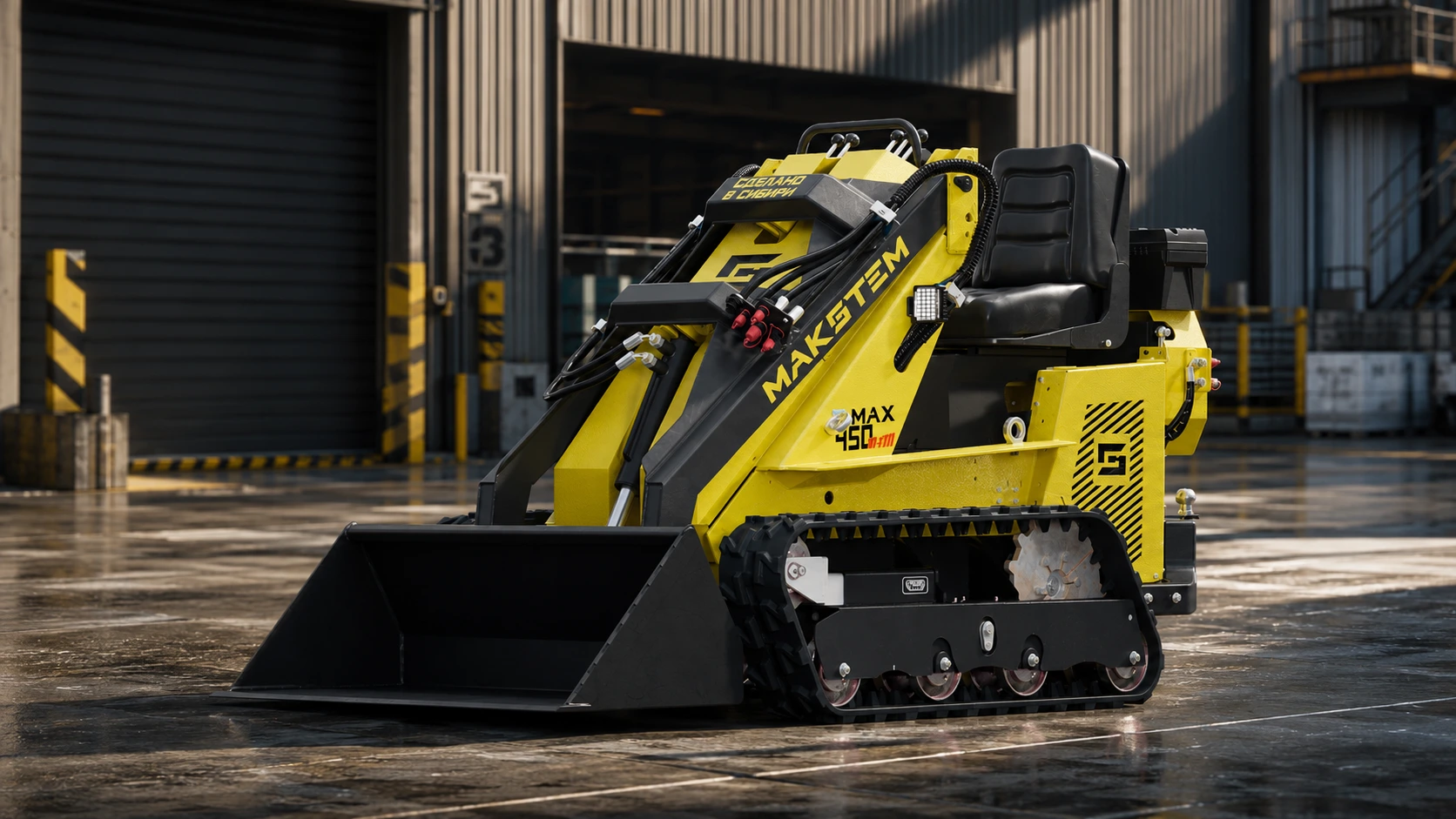
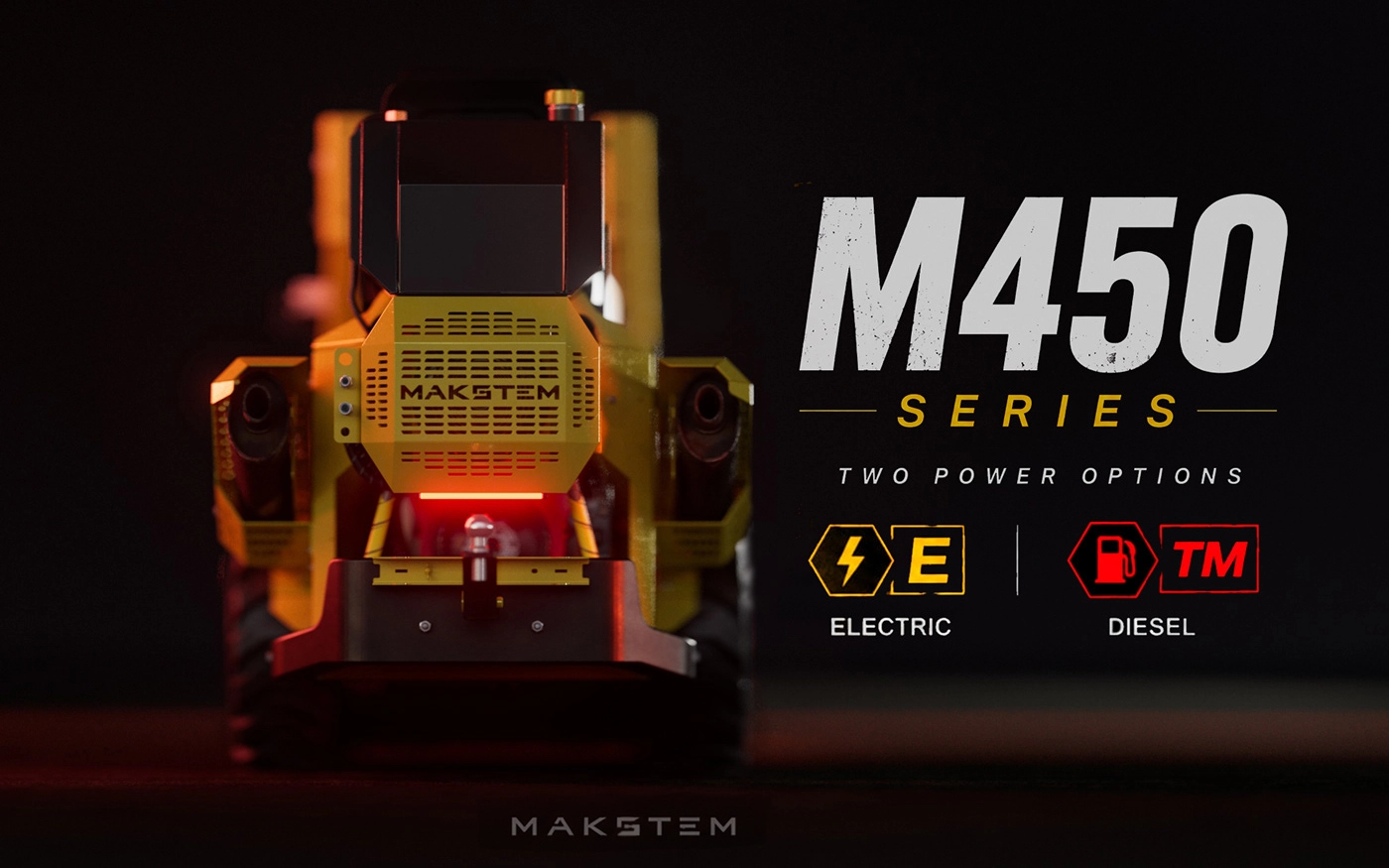
Photorealistic images for websites, catalogs and presentations. Show your equipment’s design, materials and benefits, even before it is ready for a photo shoot.
Discuss your productCAD / STEP · drawings · photos and dimensions
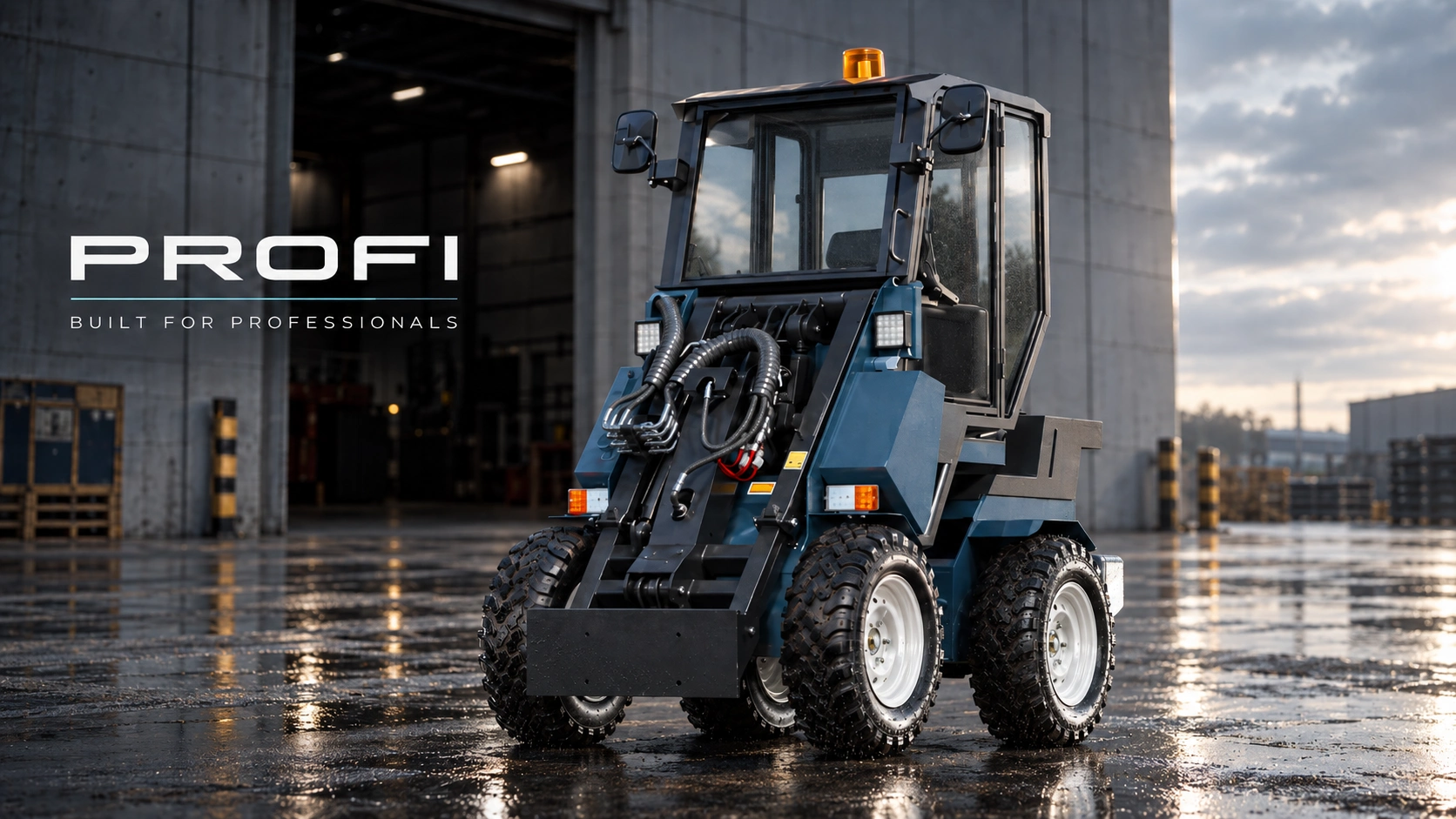
Clear views for websites, catalogs and proposals.
Present the approved design before a production sample is ready.
New colors, details and versions from one 3D scene.
01 / More than images
Once the model is built, angles, colors, configurations and environments can change while the visual style stays consistent. It becomes a foundation for catalogs, websites and future launches, not a collection of disconnected images.
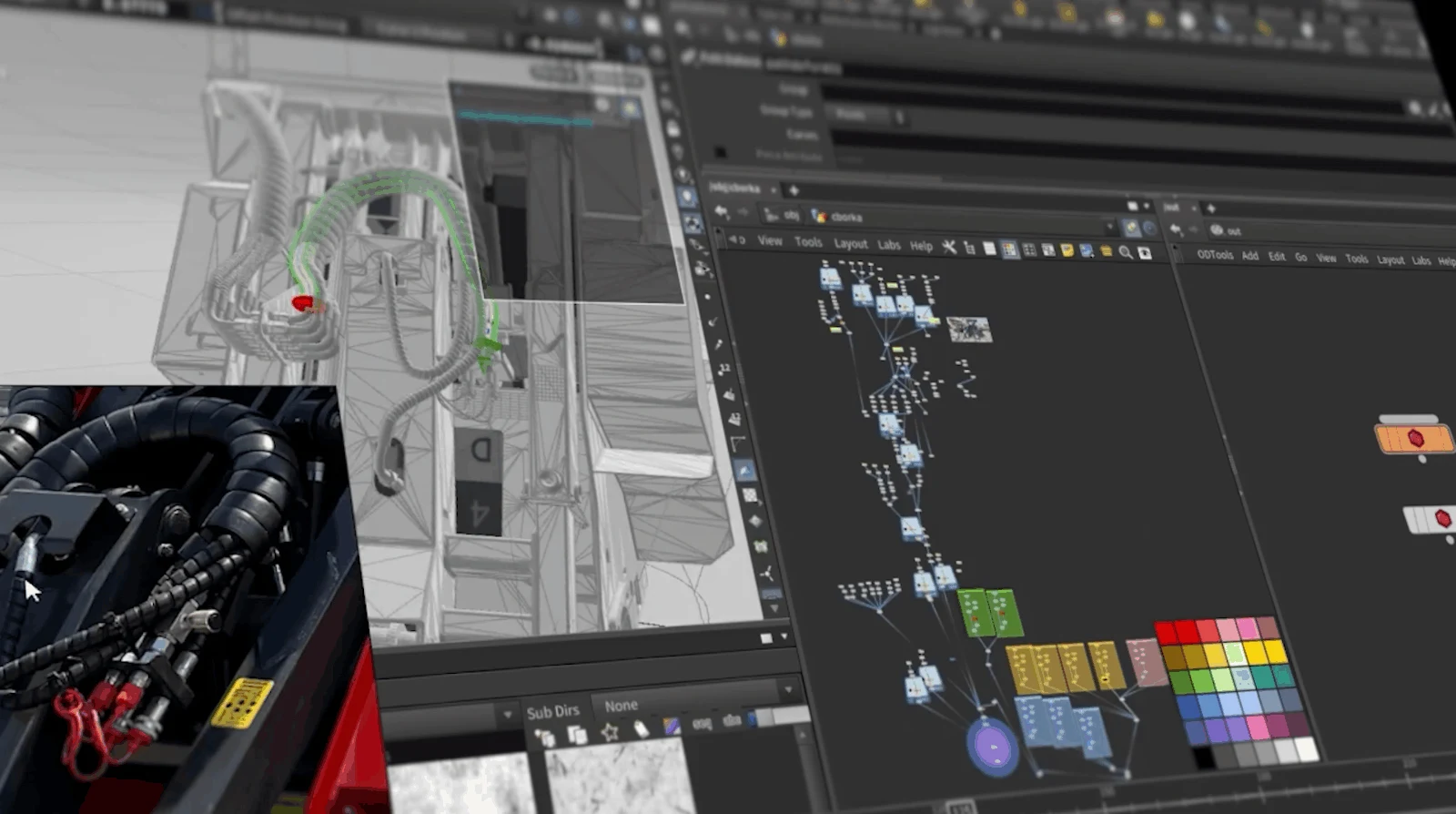
02 / A controlled workflow
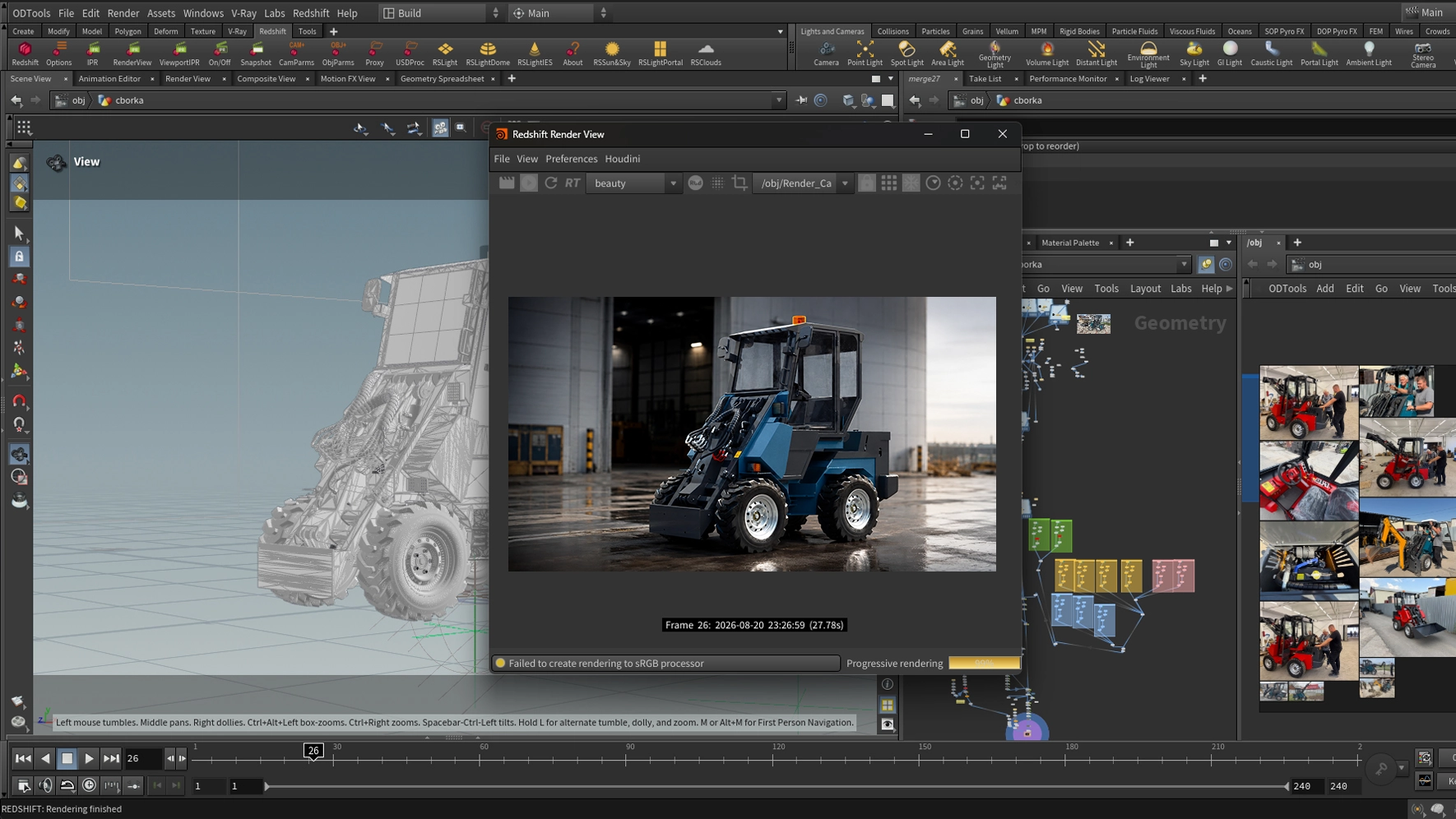
A procedural structure preserves the modeling stages. A new assembly or revised part can be updated in the existing project, then reflected in the required images. The GIF shows the actual PROFI loader workflow.
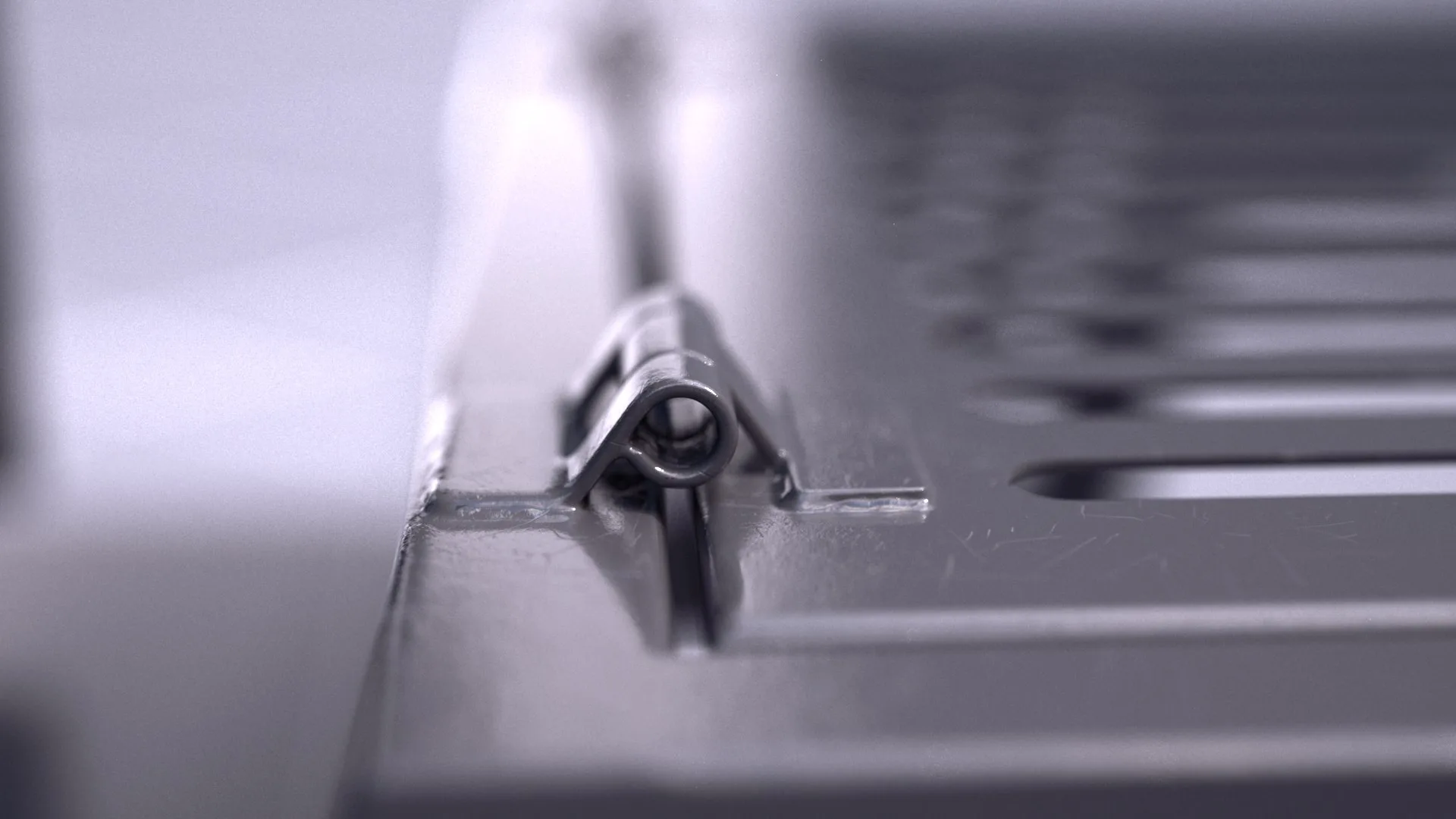
03 / Realism in the details
Close-ups should reward a buyer’s attention. Joints, paint, metal, rubber and glass each need their own texture and response to light. The image can then communicate product quality, not just its silhouette.
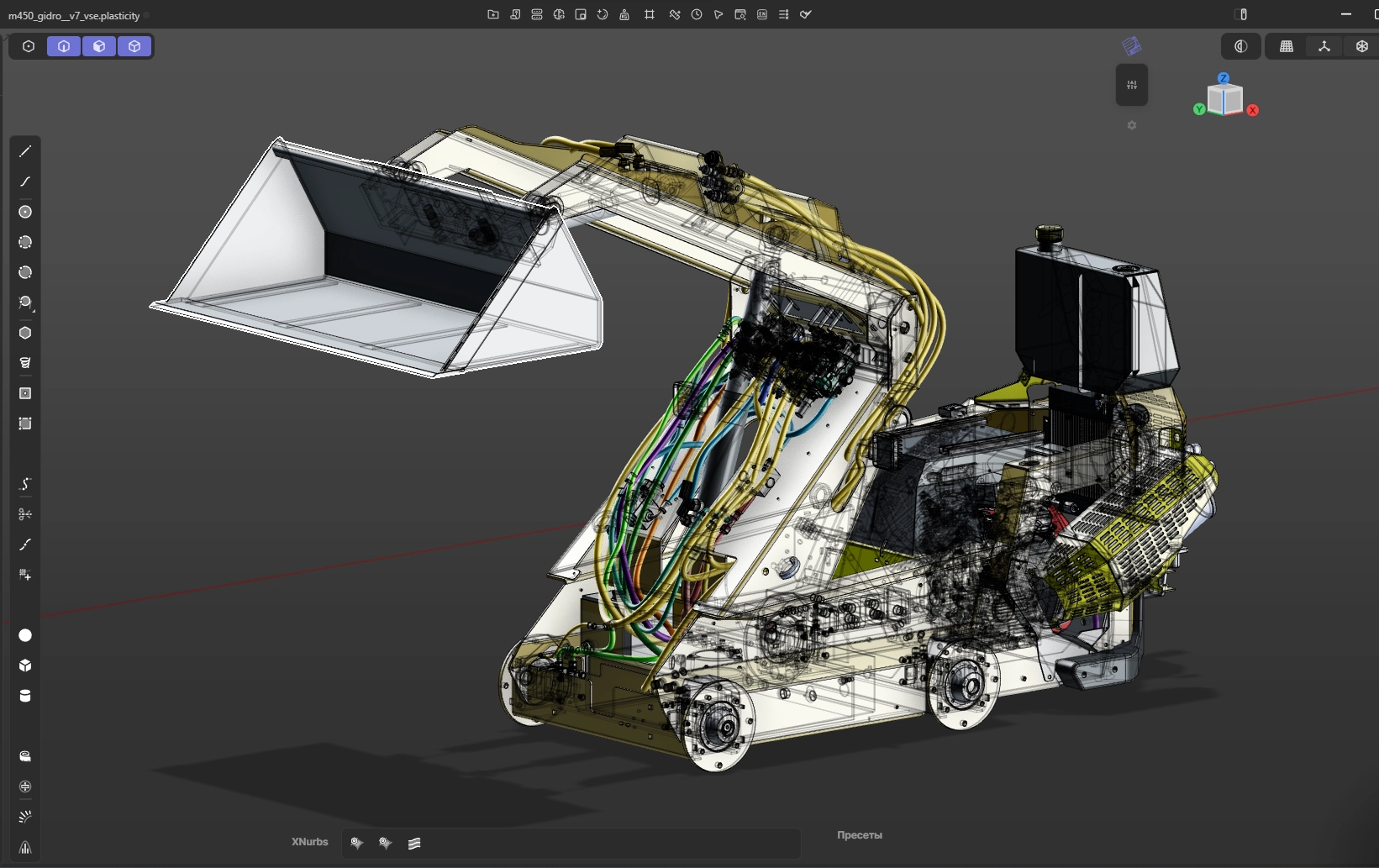
04 / Technical clarity
Cutaways and transparent views make internal assemblies, hydraulics and packaging easier to understand. Engineers can assess the design and sales teams can explain its benefits. MAX 450 illustrates the internal hydraulic components.
From source files to delivery
Send CAD, drawings or photos. We agree on scope, views, formats, schedule and price.
I prepare geometry, materials and lighting. We review the first views in previews.
You check construction and appearance. I apply agreed revisions before final rendering.
Receive images at the agreed resolution. Source scenes, animation and interactive work are scoped separately.
Start with your product
Send a link, model or photos and tell me where you plan to use the images. I will propose a scope and project estimate.
Projects and possibilities